Automated daily client reports for an affiliate marketing platform
We replaced hours of daily spreadsheet work with a pipeline that sends every client of an affiliate marketing platform a report card at the same time each day and raises an alert when a number looks wrong.
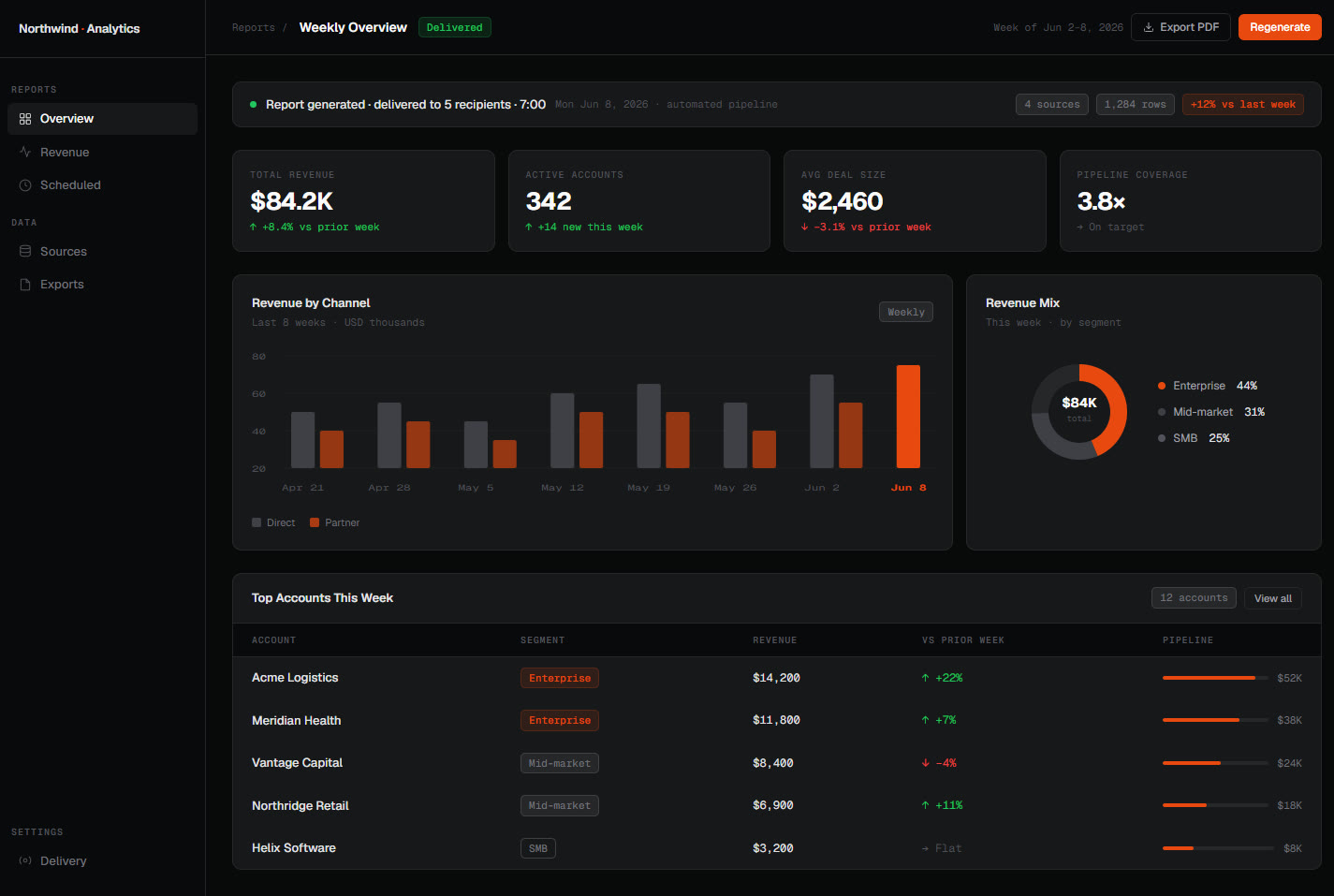
The build at a glance
- Built for
- A platform in affiliate marketing and its clients
- Before
- Hours of spreadsheet work every morning
- Data in
- Several sources, pulled and reconciled each day
- Report out
- A report card per client, in the same format every day
- Delivery
- Every client at the same time each day
- Alerts
- Wrong-looking numbers, empty feeds and stale sources
- Self-checks
- The pipeline watches its own runs
- Started with
- A free audit of each source
A report rebuilt by hand every morning
The platform sends each of its clients a daily performance report. Every morning the operations team pulled numbers from several sources, put them together in spreadsheets, formatted a report and screenshotted it for each client.
It took hours and invited mistakes, and a client usually spotted an error before the team did. Reports also went out at different times each day, which made a capable team look less organised than it was.
What we built
We began with a free audit of how the reporting worked, source by source, to learn the data, the edge cases and what correct meant for each client. Then we designed one checked pipeline that made the manual steps unnecessary and made every failure loud. It's a build from our automated reporting work, and the same report-card idea runs inside an AI employee that posts cards in client Telegram groups.
Every source pulled and reconciled
Each day the pipeline pulls in the data from every source the team used to copy by hand, then reconciles it so the figures agree before anything goes out.
It analyses the funnels and works out each client's numbers, the job that used to fill the team's morning.
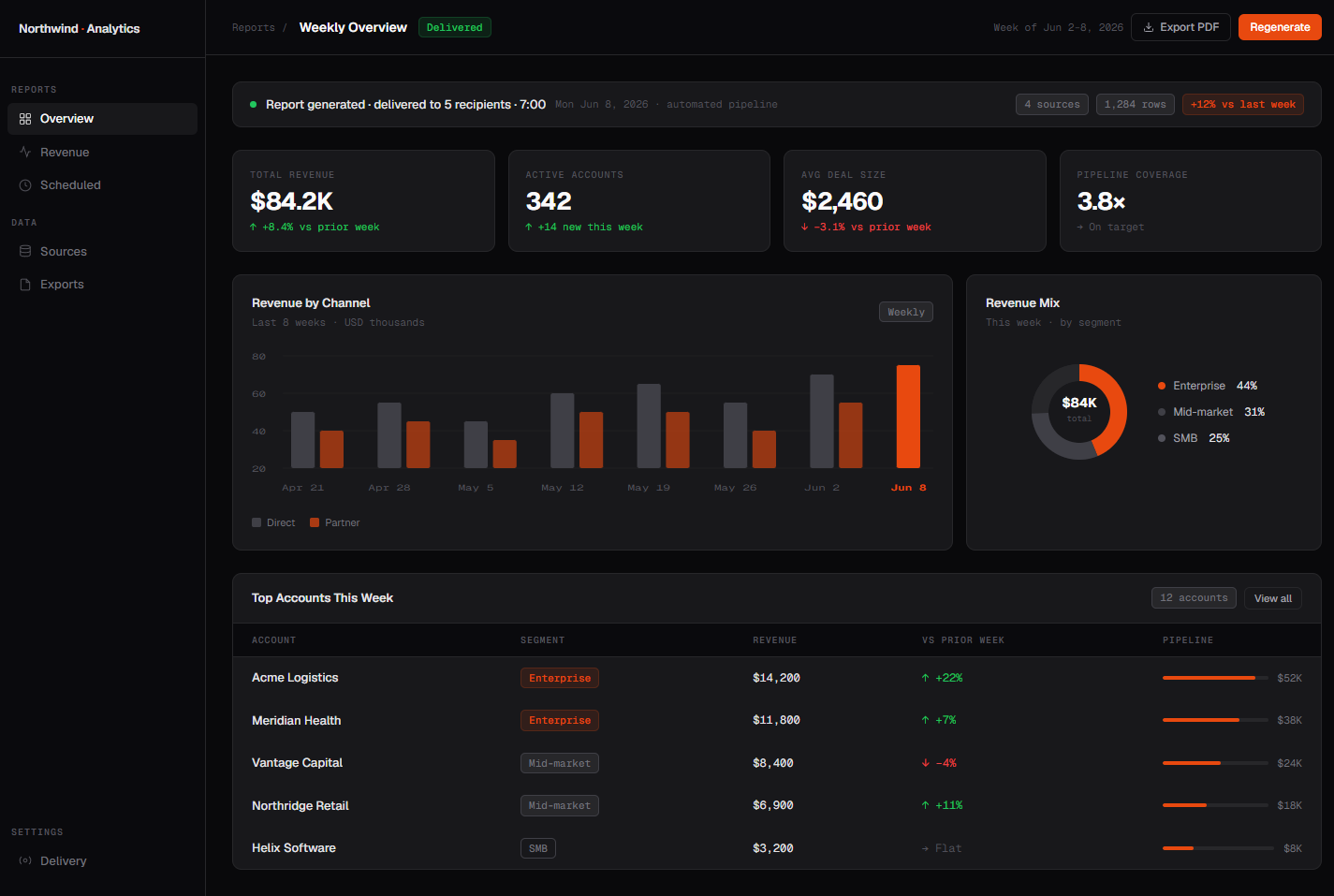
One report card per client, at the same time
The pipeline builds a report card for each client in the same format every day and delivers it on a fixed schedule, so every client gets their numbers at the same time.
Clients stopped waiting on the team's morning, and the team stopped formatting and screenshotting the same report again and again.
- Sign-ups412
- Conversion3.1%
- Best sourcePartner A
Alerts the moment a number looks wrong
The pipeline raises an alert when a number looks wrong, a feed comes back empty or a source goes stale. It also watches its own runs, so a failure shows up straight away instead of in a client's reply.
Where a report needs to move between several tools on events rather than a timetable, we build it as workflow automation instead.
How it runs today
The hours of daily manual work went away. Errors that used to surface a day late now raise an alert the minute they happen, and every client gets a consistent report at the same time every day.
The operations team stopped rebuilding the same report each morning. They watch the pipeline run and act on the exceptions it raises.
Questions about automated reporting
Can daily client reports be automated?
Yes. Daily client reports can be automated when the numbers come from systems a pipeline can read. In this build the pipeline pulls each day's data from several sources, reconciles it, works out each client's figures and sends every client a report card in the same format at the same time. The operations team now handles only the exceptions it raises.
What happens when a data source fails or a number looks wrong?
An automated reporting pipeline should raise an alert, and ours does. It alerts the team the moment a number looks wrong, a feed comes back empty or a source goes stale, and it watches its own runs so a failure shows up straight away. Before the build, errors like these surfaced a day late, often when a client spotted them.
What do you need from us to automate a report?
To automate a report we need read access to your data sources, a sample of the report you make by hand today and the list of who receives what. Read-only API keys or database credentials are enough, and we don't need admin access to your production systems. We start, as we did here, with a free audit of how the reporting works, source by source.
How long does it take to automate a daily report?
A single pipeline that replaces one daily manual report takes 3 to 5 business days from the scoping call to live handover. Reconciling several sources with custom reporting for several recipients, as in this build, takes 1 to 2 weeks. We give you a concrete date before any work starts, and how a build with us runs sets out each step.
How much does automated reporting cost?
Automated reporting costs a fixed price to build and a monthly rate to keep it running, and the audit that scopes it is free. The monthly rate is set for the agreed scope, and we re-quote if the scope or usage changes a lot. Running it covers fixing what breaks and updating the pipeline when your sources or report format change.
More pipelines and AI employees
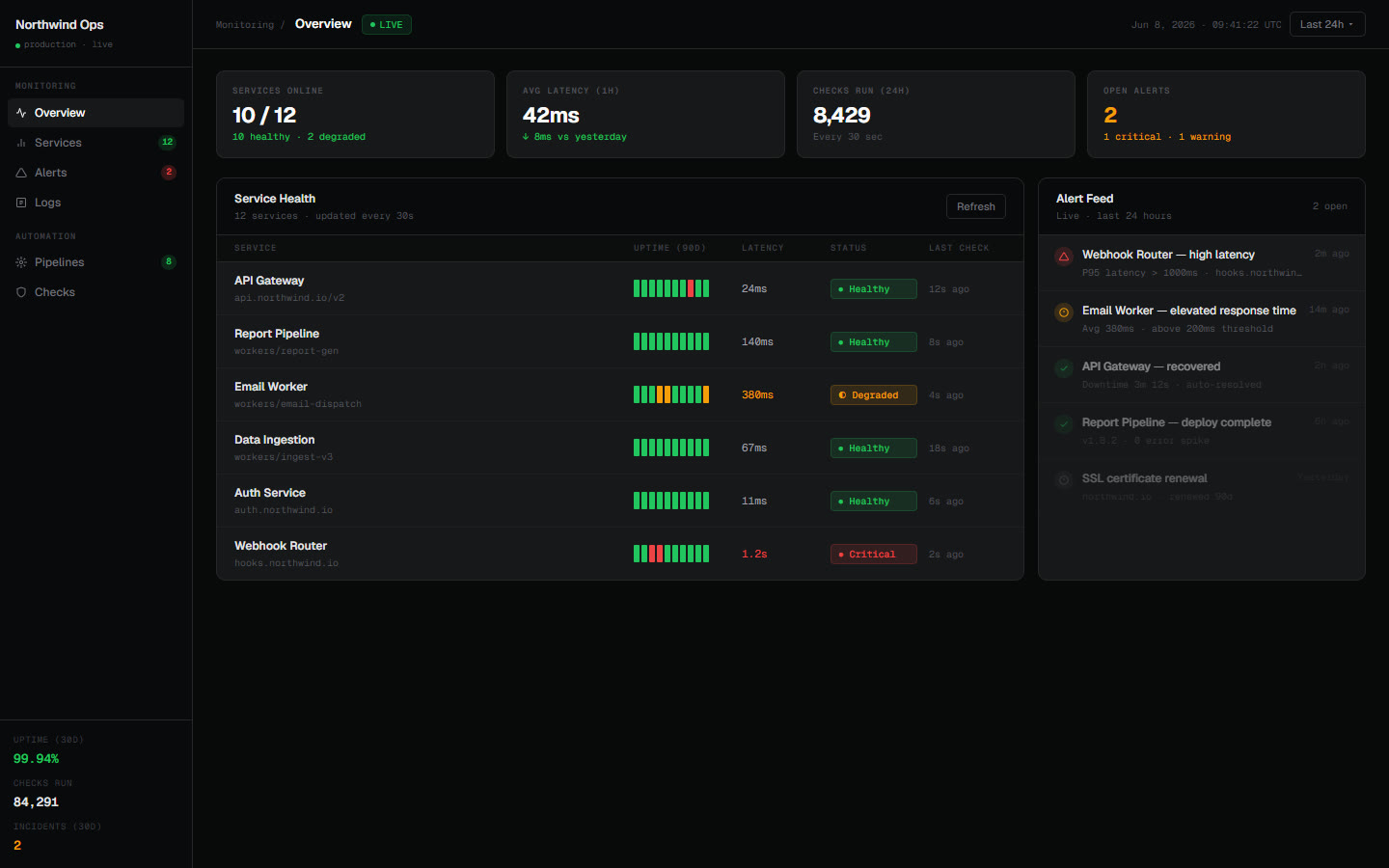
An AI employee for live operations
It watches a growth team's dashboards, sends the alerts and writes the digests.
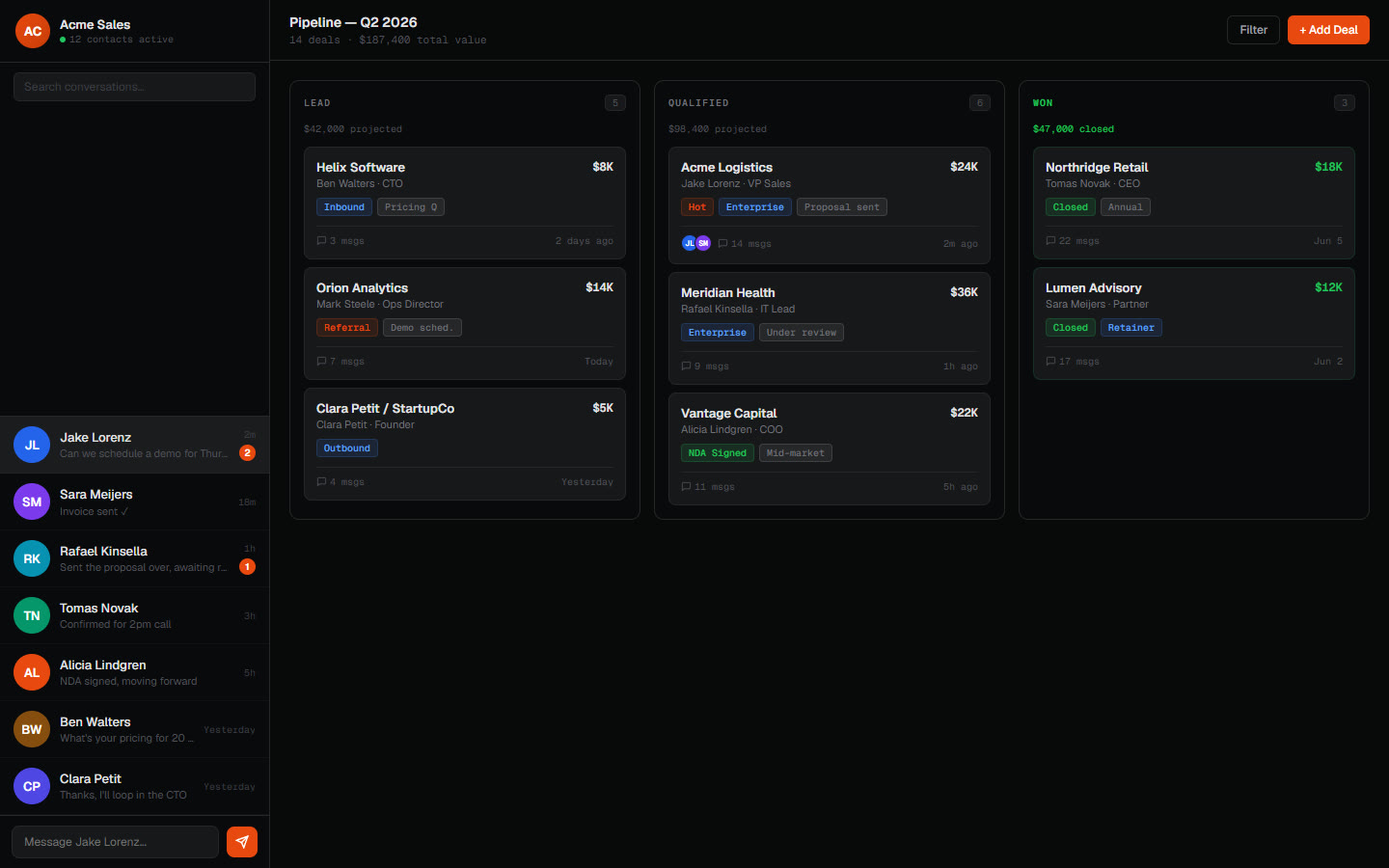
A client's CRM inside Telegram
A business that ran on chat got contacts, a pipeline and monitoring inside Telegram.
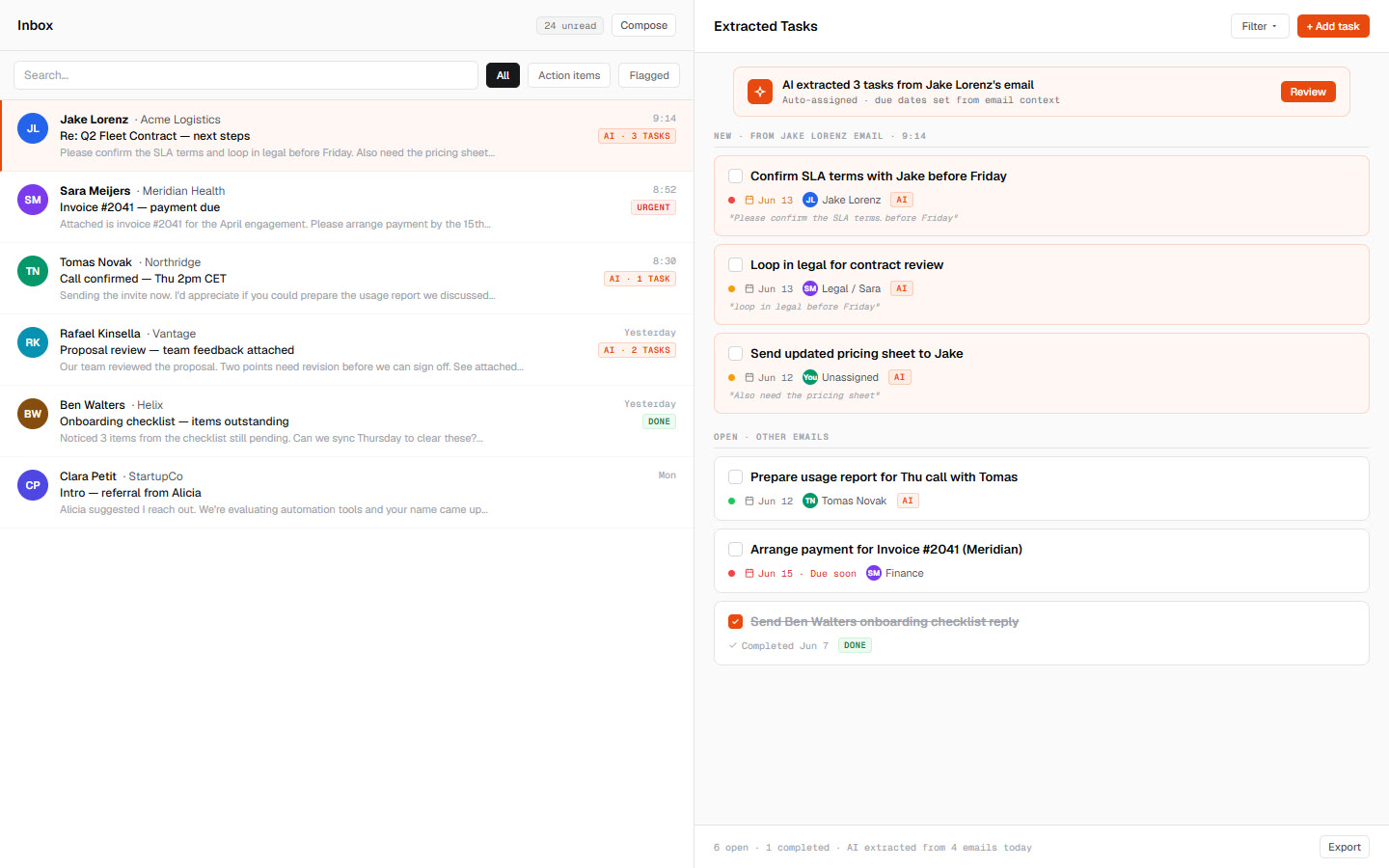
An inbox that turns into a task list
An assistant reads the inbox and turns each real action item into a task with a date.
Services and articles behind this build
Automated reporting
Scheduled pipelines that pull data from several sources, build each report and alert you when a number looks wrong.
Workflow automation
Your CRM, Google Sheets, email, Slack and webhooks connected by n8n pipelines that run on a schedule or fire on events.
AI employees
AI workers trained on your process that each own one recurring job, from reports to client follow-ups.
How our pricing works
A free audit, a fixed price for the build and a monthly rate set for the scope we agree.
Telegram as your ops layer
Bots, approval flows, group automation and always-on agents built on Telegram.
How we made our AI fix its own bugs
The self-healing loop behind our AI employees: error signals, an isolated patch, a smoke test and a gated merge.
Who builds your reports every morning?
Show us the report someone on your team puts together by hand, and at a free audit we'll map the pipeline that would send it for you.