An AI employee that monitors a growth team's live operations
We built an AI employee that took over a growth team's monitoring seat: it watches the dashboards, sends the alerts, writes the digests and flags the edge cases to the team.
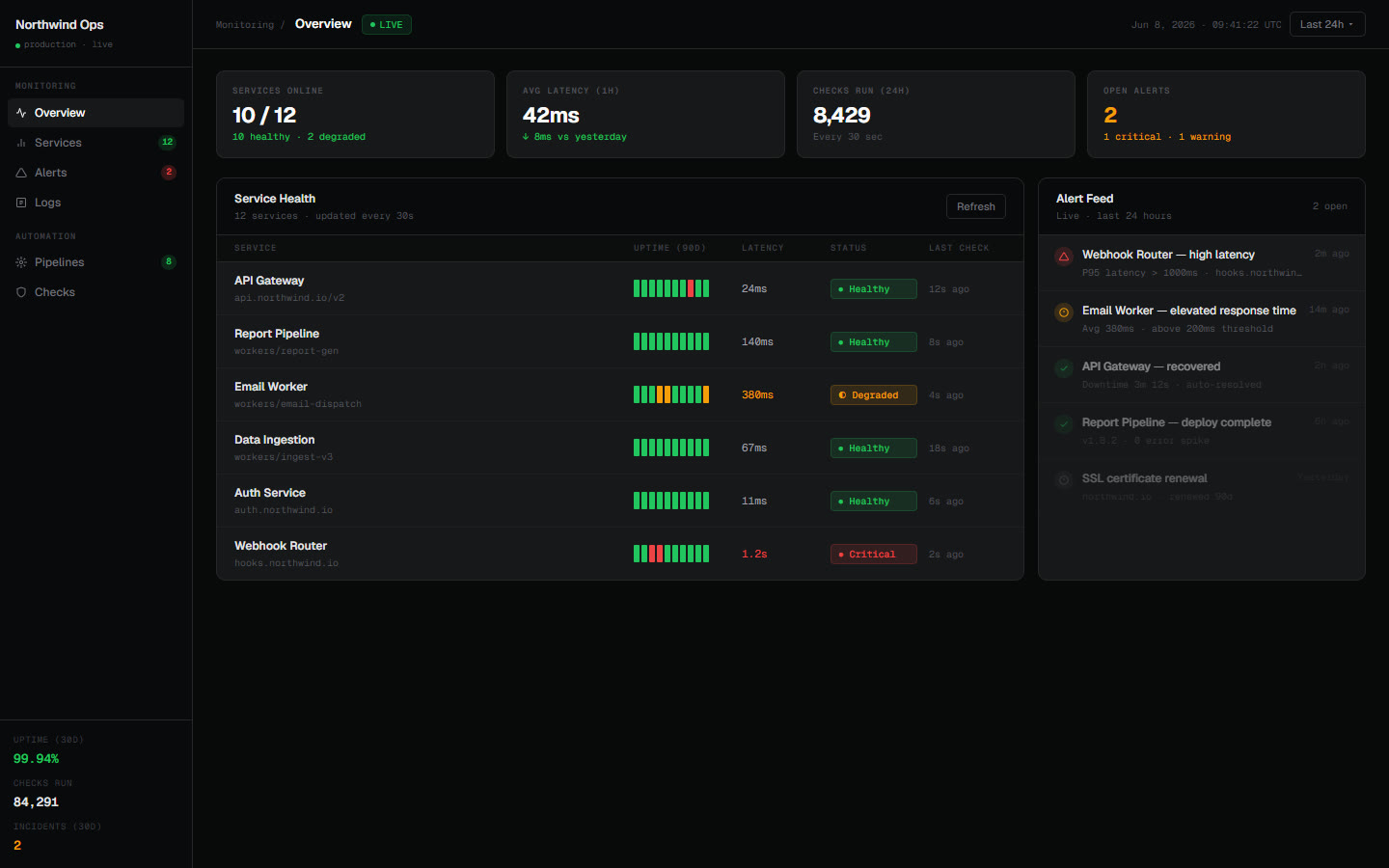
The build at a glance
- Built for
- A growth team that needed its operation watched all day
- The job
- Watching the dashboards and signals that matter to the team
- Alerts
- Scheduled alerts and error nudges, sent where the team works
- Digests
- Regular summaries for the whole team
- Thresholds
- Set by the team, adjustable at any time
- Edge cases
- Held and flagged to the team
- Failed feeds
- Logged and reconnected by the AI employee
- Record
- Every action logged
A monitoring seat that never got a break
The growth team needed its operation watched all day: the dashboards checked, scheduled alerts sent, a nudge whenever an error appeared, and a regular digest so everyone knew where things stood.
That added up to a full seat of attention spent on watching, taken from people the team needed for other work. When the watcher was in a meeting, an error could sit for hours before anyone saw it.
What we built
We scoped the role like a job description: what to watch, what counts as normal, what triggers an alert, and who gets which digest and when. Then we built an AI employee to own that role, with every action logged and every threshold in the team's hands. The AI employee we built for client Telegram groups follows the same pattern.
Dashboards watched, alerts sent on time
The AI employee keeps an eye on the dashboards and signals the team cares about. It sends the scheduled alerts and nudges the team when an error appears, in the place the team already works.
Each alert comes with the reading that set it off, so whoever picks it up can act without opening the dashboard first. If you only need the checks and reports, a scheduled operations pipeline is the smaller build.
A digest the whole team reads
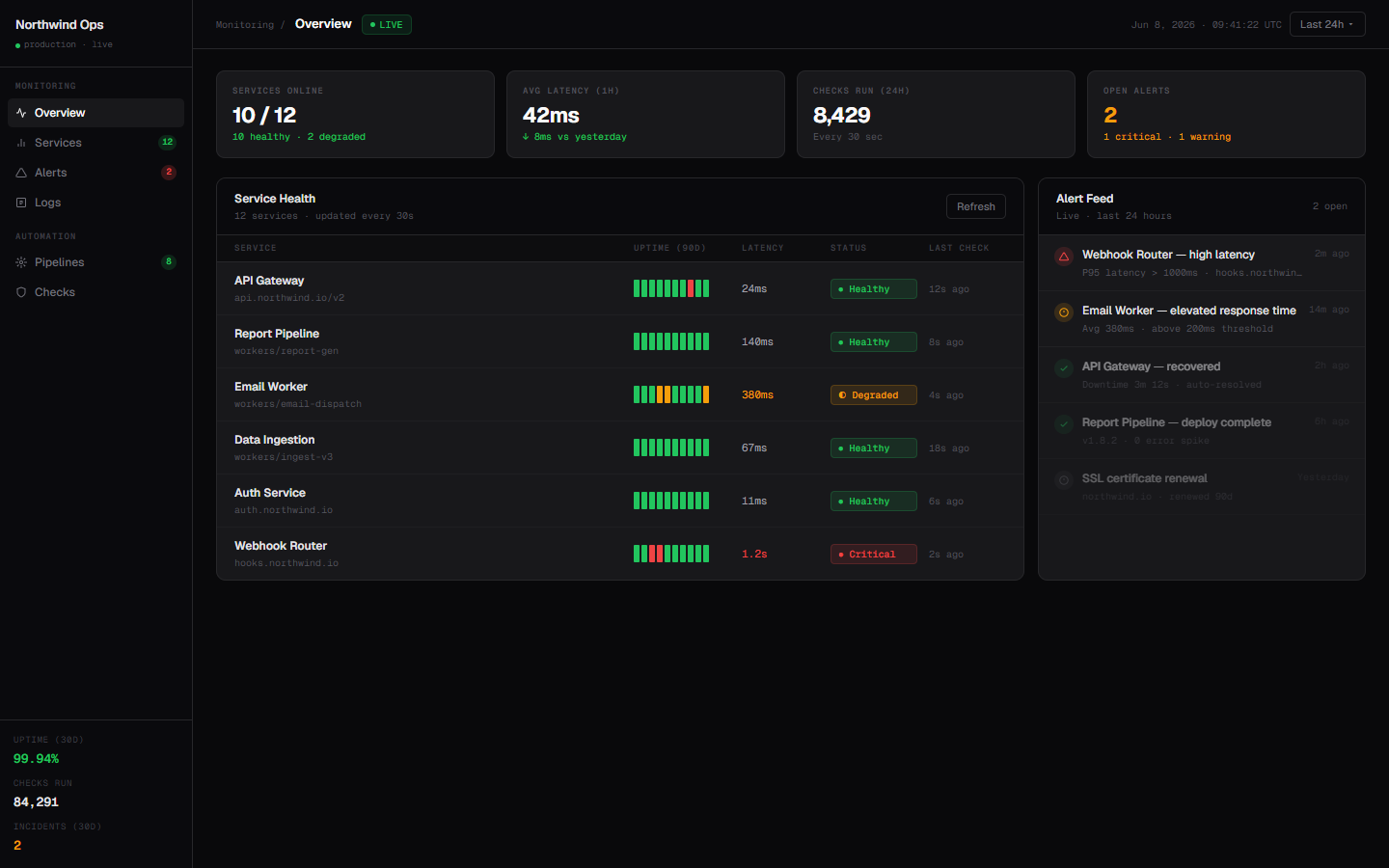
On a fixed schedule, the AI employee writes a digest of what happened: what ran, what failed, what it raised and what is still open. Nobody has to check the dashboards by hand to know where things stand.
The team decides who receives which digest and when, and can change that at any time.
- Services online12 of 12
- Alerts raised3
- Still open1
Edge cases go to the team, broken feeds get fixed
When the AI employee meets a case it can't judge, it holds it and flags it to the team instead of guessing. When a monitoring feed fails, it notices the gap, logs the failure and reconnects the feed.
For failures it knows how to resolve, it writes a fix to its own skill, using the loop in our write-up on making our AI fix its own bugs. When a role needs more than our standard pattern, we write it as one of our custom AI builds.
How it runs today
The team got a seat's worth of attention back. Nothing sits unwatched, and the alerts and digests arrive on schedule.
The AI employee keeps the watching, and the team keeps the judgement calls: the edge cases it flags still go to a person on the team, who decides what happens next.
Questions about AI employees for monitoring
Can an AI employee monitor our dashboards and send alerts?
Yes. An AI employee can watch the dashboards and signals your team relies on, send scheduled alerts and error nudges to the place your team already works, and write a regular digest. In this build it took over the monitoring seat of a growth team. Every action it takes is logged, so the team can see what it raised and when.
What does an AI monitoring employee do with a case it can't judge?
An AI monitoring employee holds a case it can't judge and flags it to the team instead of guessing. We agree with you at the start which cases it decides alone and which ones it hands over. In this build the alerts and digests run on their own, and the edge cases go to the growth team with the context they need to decide.
What happens when a monitoring feed stops working?
When a monitoring feed fails, our AI operations employee notices the gap, logs the failure and reconnects the feed. When it meets a failure it knows how to resolve, it writes a fix to its own skill. The loop behind that is the one we describe in how we made our AI fix its own bugs.
Can we change what an AI monitoring employee alerts on?
Yes. The team sets every threshold an AI monitoring employee works to, and can adjust each one later. We scope the role at the start like a job description: what to watch, what counts as normal, what triggers an alert, and who gets which digest and when. When your process changes, we update the role as part of the monthly rate.
How much does an AI employee for operations monitoring cost?
An AI employee for operations monitoring costs a fixed price to build and a monthly rate to run, and the audit that scopes it is free. The monthly rate is set for the agreed scope, and we re-quote if the scope or usage changes a lot. If you bring your own API keys, the AI providers bill you directly. You can estimate your build before the audit.
How long does it take to set up an AI employee for monitoring?
A simple AI employee that watches one tool usually goes live 5 to 7 business days after the audit call. A role that spans several tools or needs custom integrations takes 2 to 3 weeks. How a build with us runs sets out each step, and we agree a date at the audit before anyone writes code.
More AI employees and pipelines
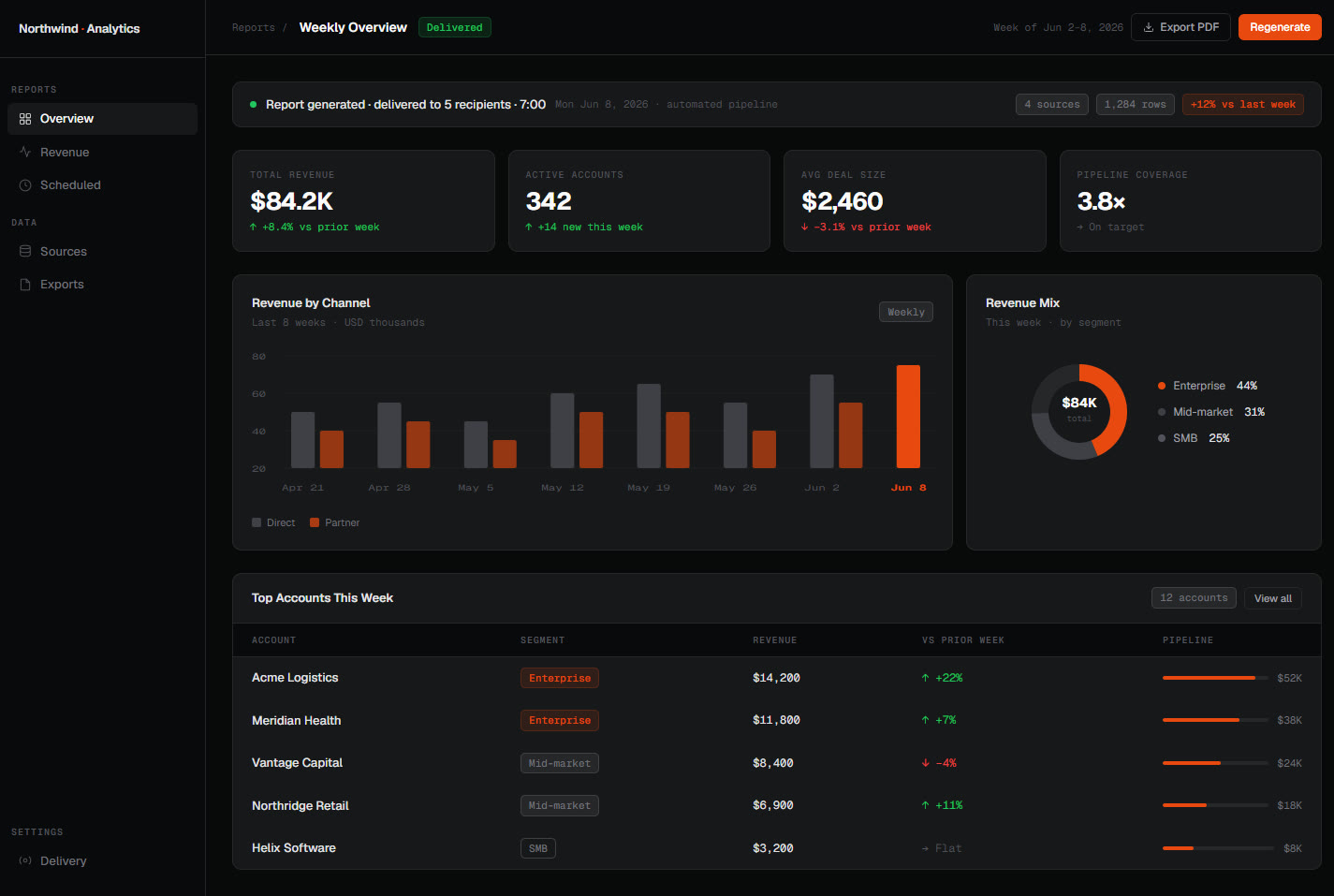
Daily reports that send themselves
A scheduled pipeline sends every client a report card at the same time each day and flags numbers that look wrong.
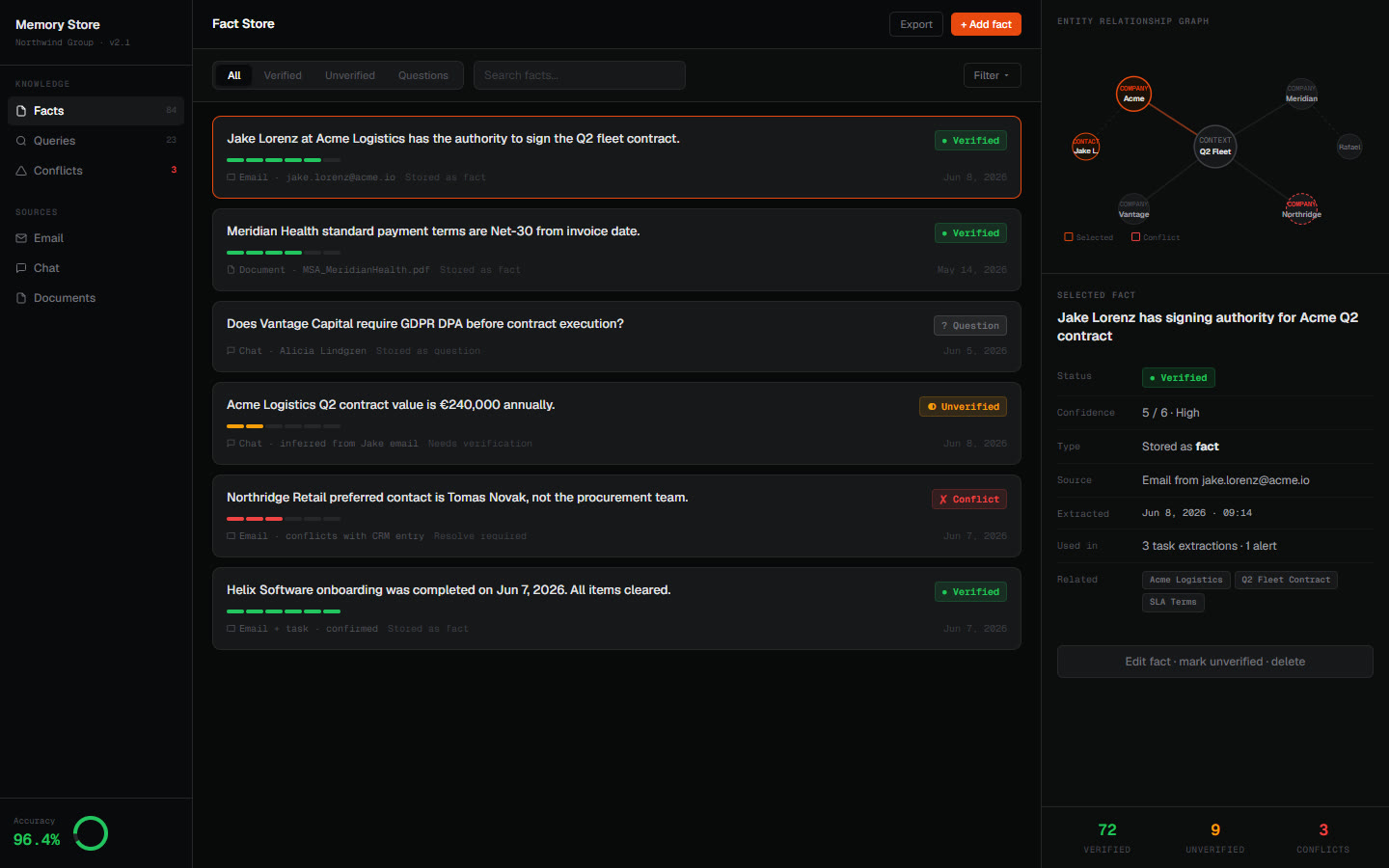
AI memory that keeps questions out
Our memory gate took a client's memory precision from about 35% to 100% on their labelled test set.
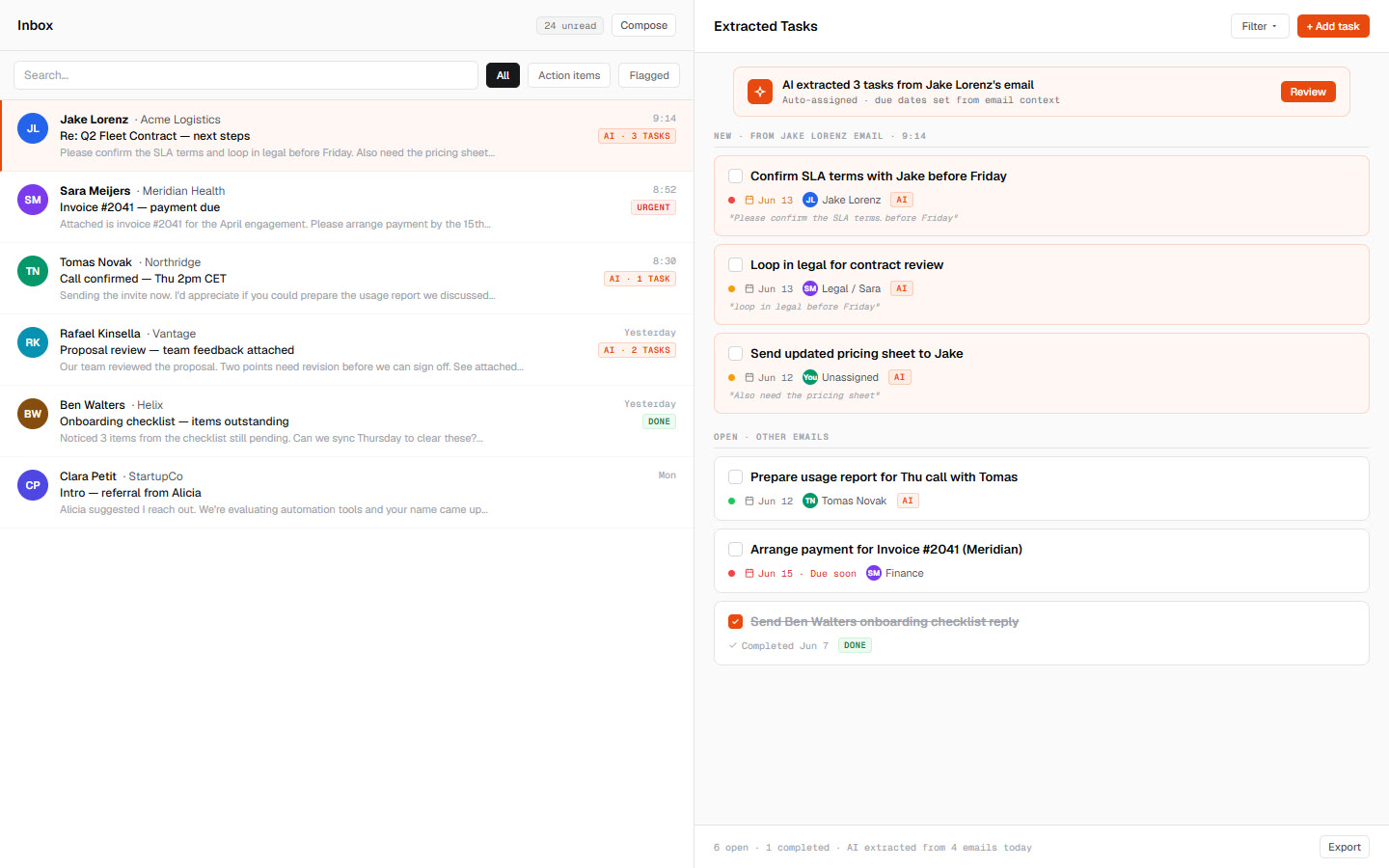
An inbox that turns into a task list
An assistant reads the inbox and turns each real action item into a task with a date.
Services and articles behind this build
AI employees
AI workers trained on your process that each own one recurring job, from reports to client follow-ups.
Automated reporting
Scheduled pipelines that pull data from several sources, build each report and alert you when a number looks wrong.
Custom AI builds
When nothing off the shelf fits, we write agents and automations in TypeScript or Python around your data and edge cases, then hand you the code.
How our pricing works
A free audit, a fixed price for the build and a monthly rate set for the scope we agree.
Telegram as your ops layer
Bots, approval flows, group automation and always-on agents built on Telegram.
How we made our AI fix its own bugs
The self-healing loop behind our AI employees: error signals, an isolated patch, a smoke test and a gated merge.
Who watches your dashboards today?
Tell us what your team checks by hand every day, and at a free audit we'll tell you whether an AI employee can take the watching over.