Decision automation for the tickets and inquiries that pile up
We build decision automation that applies your rules to every ticket and inquiry, scores how sure it is about each decision and sends anything under your threshold to your team. The clear cases get handled in seconds, and the hard ones reach the right person.
- Refund requests131 answered
- Billing questions58 sent to billing
- Waiting for you25 below 90% sure
What is decision automation?
Decision automation is software that applies your business rules to each incoming item, such as a support ticket or a sales inquiry, and returns one decision from a set you define: refund, send to billing, close or escalate. Each decision comes with a confidence estimate, and anything below the threshold you set goes to your team.
We build it on Jev, TypeSafe AI's System One model. A chatbot writes free text and can sound just as sure when it's wrong. Jev returns a typed decision with a calibrated confidence estimate, so your thresholds decide what it does on its own and what it asks your team to review.
It suits teams that get more tickets or inquiries than they can sort by hand, where most of them follow rules someone could write down: refund windows, routing by product or region, what counts as spam. If the job is a whole recurring role, such as the morning report, an AI employee is the better fit.
- TypeBilling
- ActionSend to billing
- RuleDuplicate charges go to billing
- Confidence97%, threshold 90%
Jobs decision automation takes off your team
Sorting support tickets by your rules
Someone on your team reads every ticket to work out what it is before anyone can answer it. Decision automation reads each one as it arrives, applies your refund, billing and routing rules, and answers or forwards the clear cases.
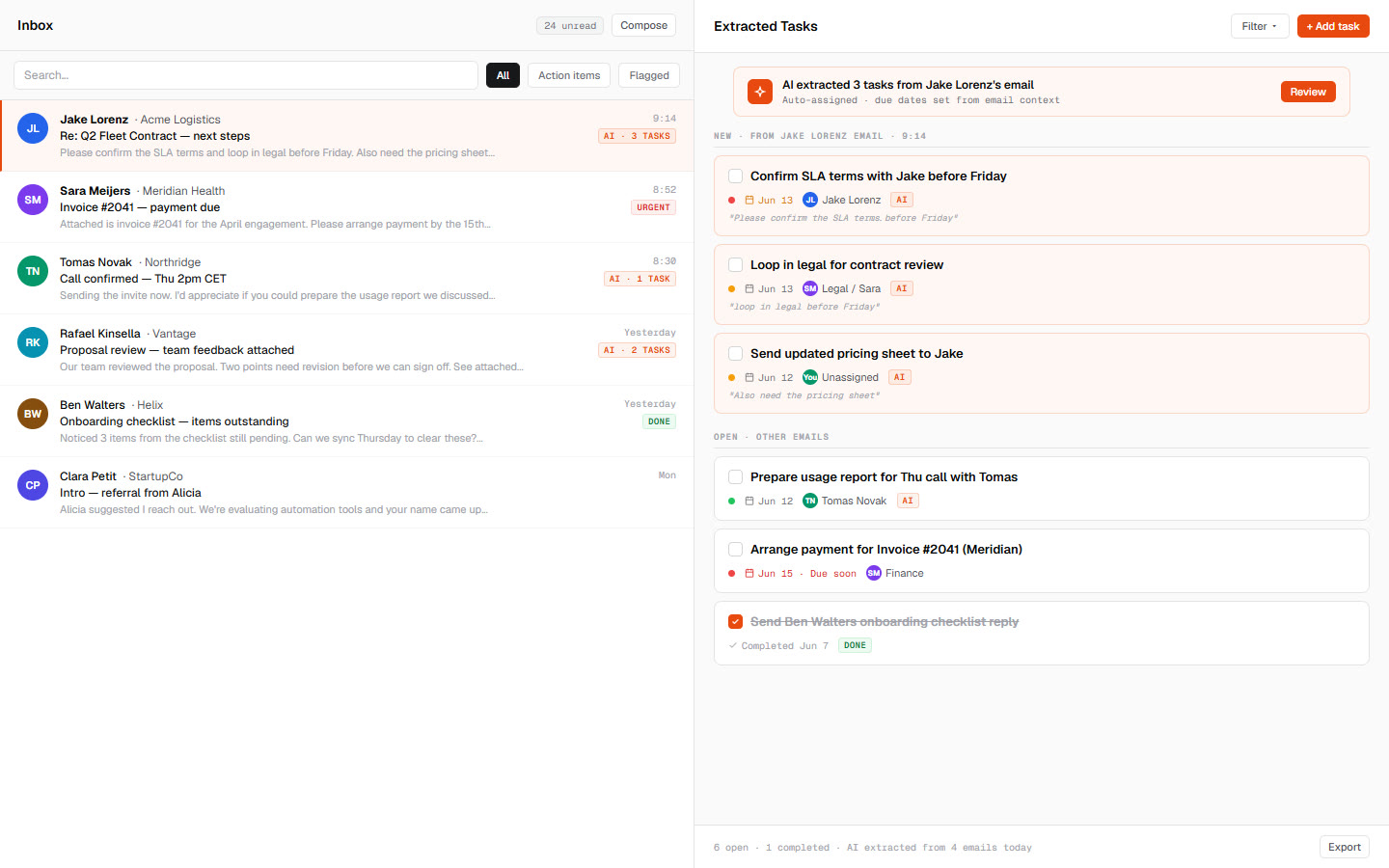
When your policy changes, you ask for the new rule in plain words, see which tickets it would change and approve it. For email that needs to become work instead of an answer, we built an inbox that turns into a task list.
- NowRefunds up to 30 days
- NewUp to 45 days if the item arrived damaged
Routing inquiries to the right person
Sales questions, partnership offers, job applications and spam all land in the same form or inbox, and someone has to forward each one. Decision automation decides where each inquiry belongs, puts it in that person's queue and closes the obvious spam.
Each decision is small, and they combine into a larger flow: sort the inquiry, route it, then draft the reply. Where the flow carries on through your CRM, Google Sheets and email, our n8n workflow automation takes it from there.
- Sales14 to Ana
- Partnerships6 to Alex
- Job applications7 to hiring
- Spam8 closed
- Waiting for you3 below 85% sure
Hard cases go to your support lead
Every decision carries a confidence estimate, and you set the threshold. Above it, the decision goes ahead. Below it, the ticket goes to the person you name, such as your support lead, with the rule it checked and how sure it was.
Their answer can become a new rule, so the same case stops coming back. The operations AI employee we built follows the same principle: edge cases go to the team, and the team sets every threshold.
What you get with decision automation
Your rules, written down
We turn your policies, SOPs and past decisions into rules your team can read, and every change waits for your approval.
A typed decision for every item
Each ticket or inquiry gets one decision from the set you define, such as refund, send to billing or close.
Thresholds you set
Each decision carries a calibrated confidence estimate, and you choose how sure it must be to act alone. Our post on confidence in agent memory explains how we think about it.
A review queue for hard cases
Anything under your threshold goes to the person you name, with the rule it checked and its confidence.
Decisions that chain into workflows
Single decisions combine in code into larger flows, such as sort, route and draft the reply, and you can check each step.
A log of every decision
Every decision is logged with its rule, its confidence and what happened next, so you can look back at any of them.
How we build decision automation
The audit
FreeYou show us the tickets or inquiries that pile up and the rules your team applies to them. We tell you whether decision automation fits, and if it does, we fix the scope before anyone writes code.
You getA written plan of what to automate first, yours to keep.Rules and launch
One fixed priceWe write your rules into the decisions, connect them to where your tickets and inquiries arrive and run them on your past items. You see each decision and its confidence, then set the thresholds before it touches a live ticket.
You getWorking, documented decision automation. Once you've paid, the code we wrote is yours.Running it
A monthly rateIt decides on every new item and sends the unsure ones to your team. We keep it running, fix what breaks and update the rules when your policy changes.
You getA monthly rate for the scope we agreed.
How much does decision automation cost?
Decision automation costs a fixed price to build and a monthly rate to run, and the audit that scopes it is free. We agree the build price and the scope before work starts, including the kinds of decisions and roughly how many items it handles.
The monthly rate covers running it for that scope, and if the volume or the rules change a lot, we re-quote before you have to ask. See how the build price, the monthly rate and the API key options work. Our FAQ covers data and who owns what we build.
Where we're taking it
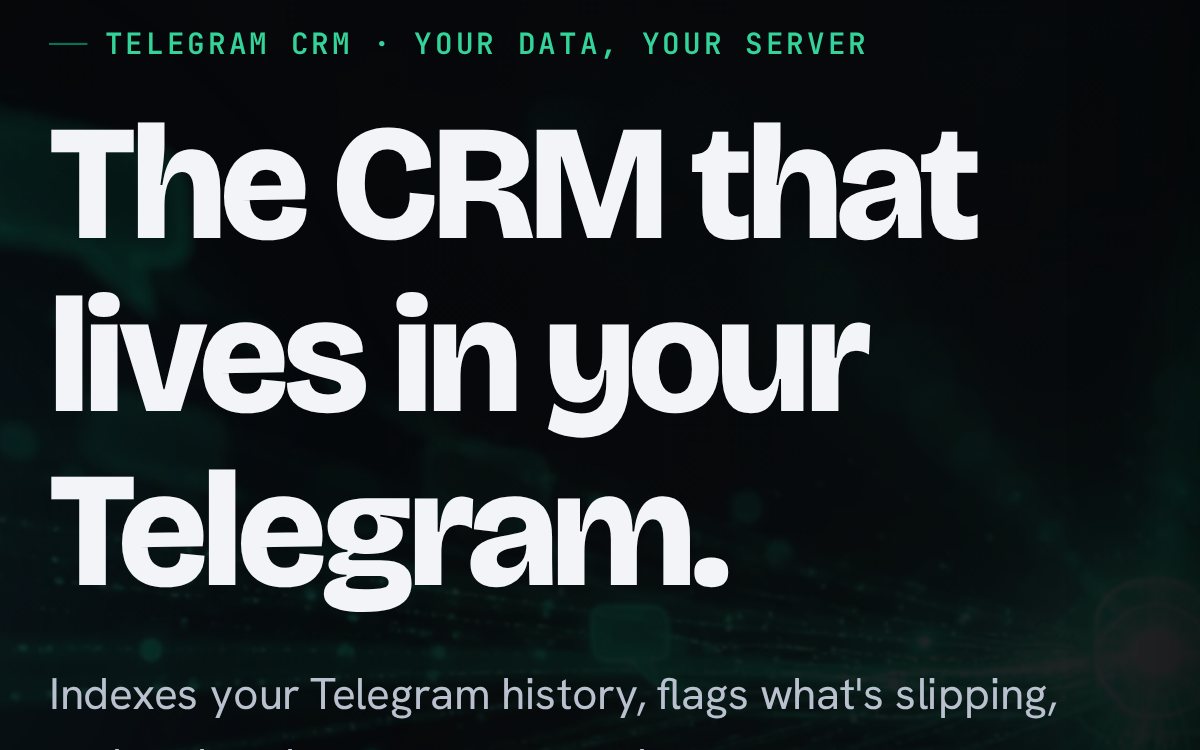
CRgraM, with Jev at its core
We are building CRgraM, our own CRM inside Telegram, with Jev at its core for fast decisions on the spot. CRgraM is in beta: it reads your chats, ranks who to message each day and flags relationships going cold.
The Jev core is still in development and isn't part of the beta yet.
Questions about decision automation
What is decision automation?
Decision automation is software that applies your business rules to each incoming ticket, inquiry or request and returns one decision from a set you define, such as refund, route to billing or close. Every decision carries a confidence estimate. Above the threshold you set, the decision goes ahead on its own, and below it, the item goes to the person you name for review.
How is decision automation different from a chatbot?
A chatbot writes free text in reply to whatever it's asked, and it can sound just as sure when it's wrong. Decision automation returns a typed decision from a fixed set, with a calibrated confidence estimate, and your thresholds decide whether it acts. Small decisions combine in code into larger workflows, so you can check each step on its own.
What happens when decision automation isn't sure?
When decision automation is less sure than your threshold allows, it doesn't act. The ticket or inquiry goes to the person you name, such as your support lead, with the rule it checked and how sure it was. You can set different thresholds for different decisions, so a refund can need more certainty than routing a sales question.
Does deterministic AI mean decision automation never makes mistakes?
No. Deterministic means the same ticket under the same rules gets the same decision every time, so you can test the rules on past tickets and get repeatable results. Decision automation can still be wrong, which is why each decision carries a calibrated confidence estimate and anything under your threshold goes to your team instead of going ahead.
Can we change the rules after decision automation goes live?
Yes. Decision automation keeps your rules written down where your team can read them, and you can ask for a change in plain words, such as a longer refund window for damaged items. You see which items the change would affect and approve it before it applies. Updating the rules when your policy changes is part of the monthly rate.
What data does decision automation need from us?
Decision automation needs your rules as you would explain them to a new hire, such as refund windows, routing by product and what counts as spam, plus a sample of past tickets or inquiries with the decisions your team made. We also need read access to where they arrive. You don't need a technical spec, and the free audit covers the rest.
Which AI model do you use for decision automation?
We build decision automation on Jev, TypeSafe AI's System One model. Jev returns typed decisions with a calibrated confidence estimate, and you set the thresholds for when it acts on its own and when it asks for review. We are also building our own Telegram CRM, CRgraM, with Jev at its core.
How much does decision automation cost?
Decision automation costs a fixed price to build and a monthly rate to run, and the audit that scopes it is free. We agree the build price and the scope, including roughly how many tickets or inquiries it handles, before work starts. If the volume or the rules change a lot, we re-quote before you have to ask.
Related builds of ours
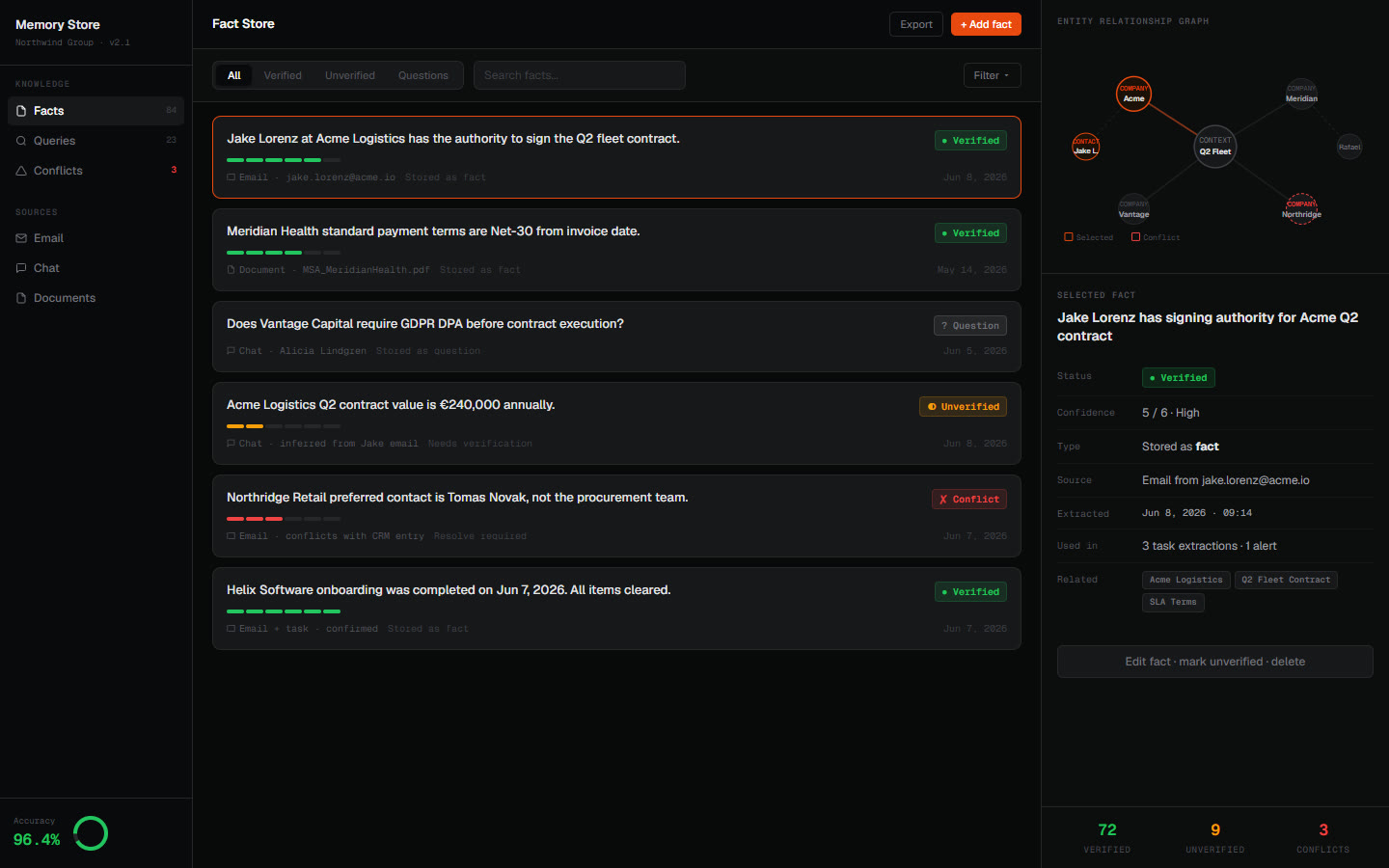
AI memory that keeps questions out
Our memory gate took a client's memory precision from about 35% to 100% on their labelled test set.
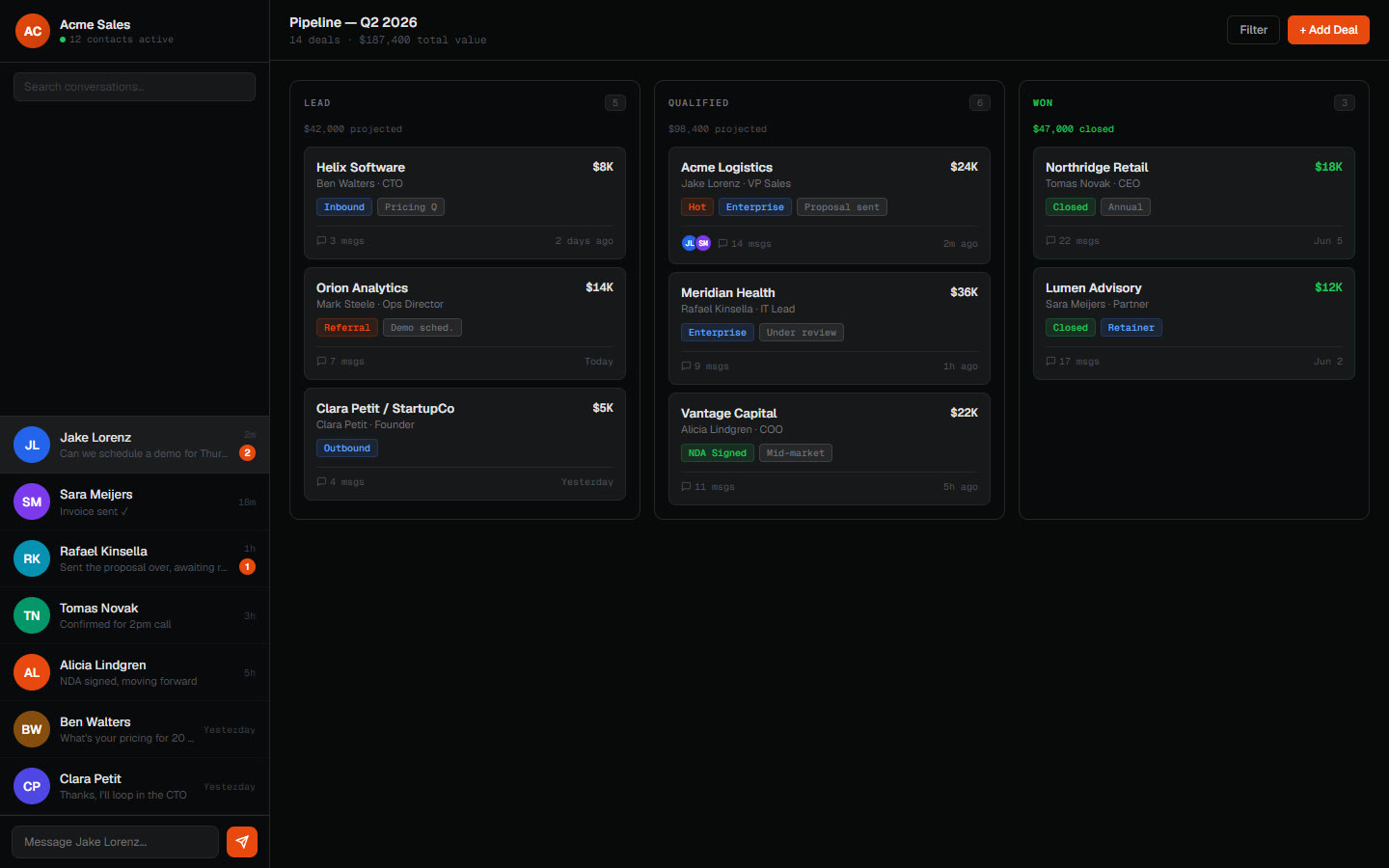
A client's CRM inside Telegram
A business that ran on chat got contacts, a pipeline and monitoring inside Telegram.
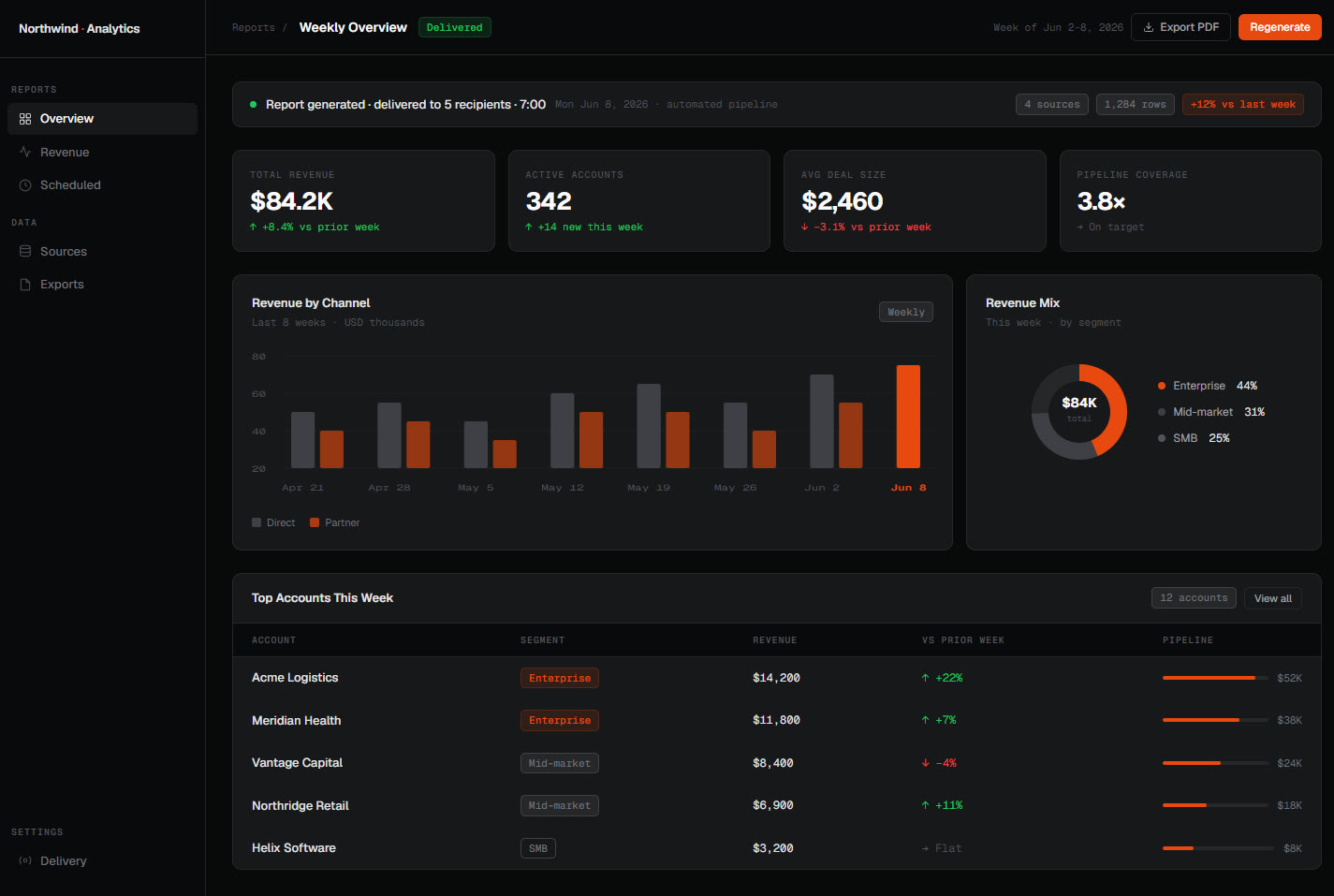
An AI employee on Telegram
It sends report cards and reminders in client groups and changes the CRM once a manager approves.
Other things we build
AI integration
AI wired into the email, CRM, spreadsheets and chat your team already uses. It acts when something happens and writes the result back.
About AI integration
Custom AI builds
When nothing off the shelf fits, we write agents and automations in TypeScript or Python around your data and edge cases, then hand you the code.
About custom AI buildsWhatsApp automation
A WhatsApp agent that answers common questions, captures leads and bookings, and hands the rest to your team.
About WhatsApp automation
Websites
Fast, modern websites for local businesses that we keep current for you. You send changes in plain words, and they go live once you approve.
About websitesHow we think about confidence and approvals
Why your AI's memory stores your questions as facts
The bug that makes AI memory save questions as facts, and the gate that stops it.
Telegram as your ops layer
Bots, approval flows, group automation and always-on agents built on Telegram.
How we made our AI fix its own bugs
The self-healing loop behind our builds: error signals, an isolated patch, a real smoke test and a gated merge.
Which pile would you hand over first?
Tell us which tickets or inquiries your team sorts by hand. At the audit we'll tell you whether your rules can run on their own, before you spend anything.