An AI assistant that turns a busy inbox into a task list
We built an AI assistant for a busy operator that reads the inbox, turns each real action item into a tracked task and handles the calendar entries and reminders around it, inside the Google tools they already used.
The build at a glance
- Built for
- A busy operator, who stays anonymous
- Where it works
- Google Workspace: email, calendar and the task list
- Daily jobs
- Action items to tasks, calendar entries and reminders
- Memory
- Context across days and threads, through a memory gate
- What it picks out
- The real action items in each email
- Interface
- The tools the operator already used
- Hosting
- In the EU, encrypted at rest
- API keys
- The client's own, or keys we manage
Commitments buried in email threads
The operator was drowning in email. Action items sat in long threads and surfaced too late or not at all, and turning messages into tracked tasks had become a daily chore of its own.
Lost time was the smaller cost. The bigger one was the commitments that slipped, which only someone re-reading everything would have caught.
What we built
We treated the inbox as a source of work to sort, and built the assistant inside the tools the operator already used: Google Workspace, the calendar and the task list. It is the kind of build we do as AI integration: AI that reads what arrives and writes the result where you already work.
Real action items picked out of every email
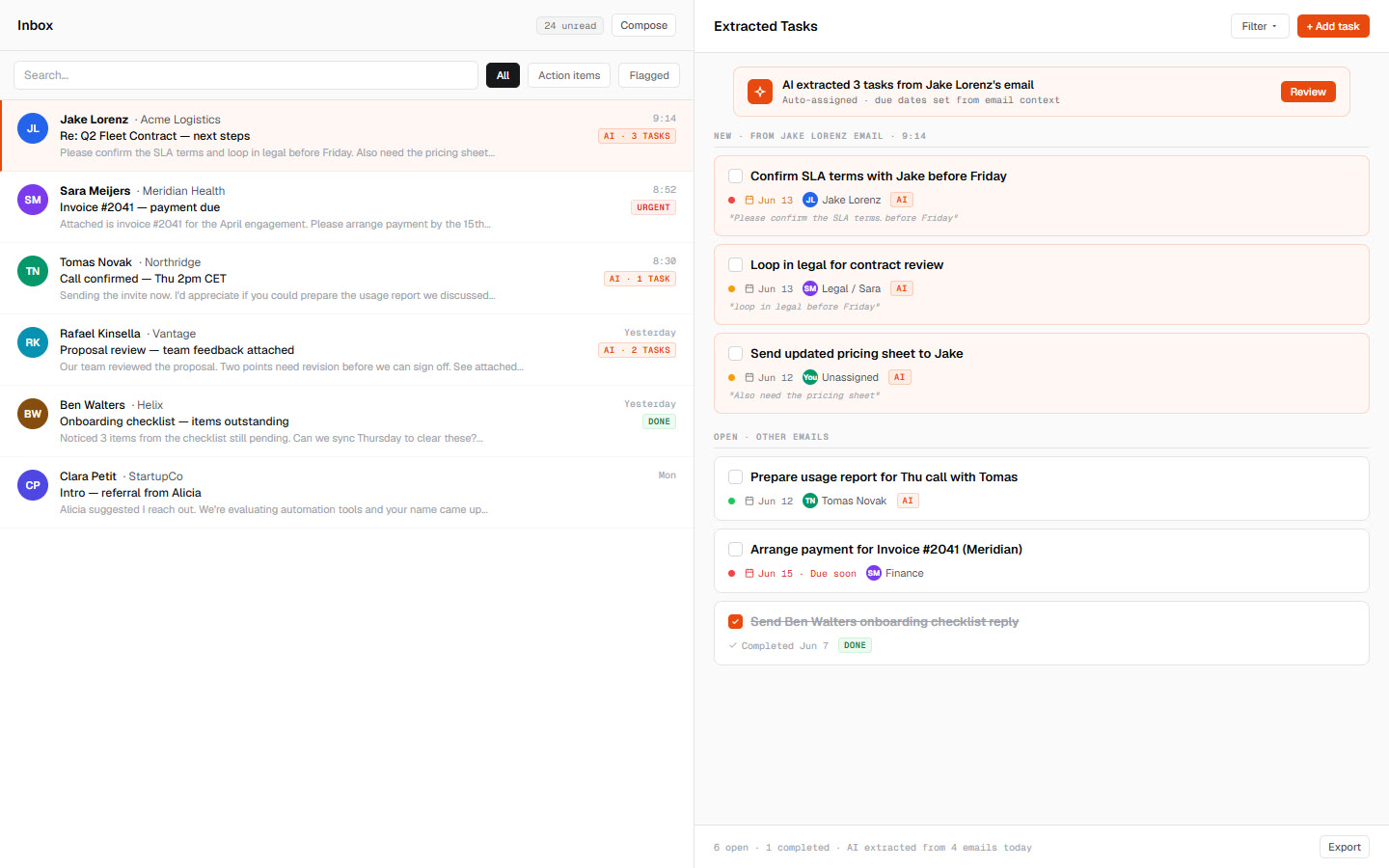
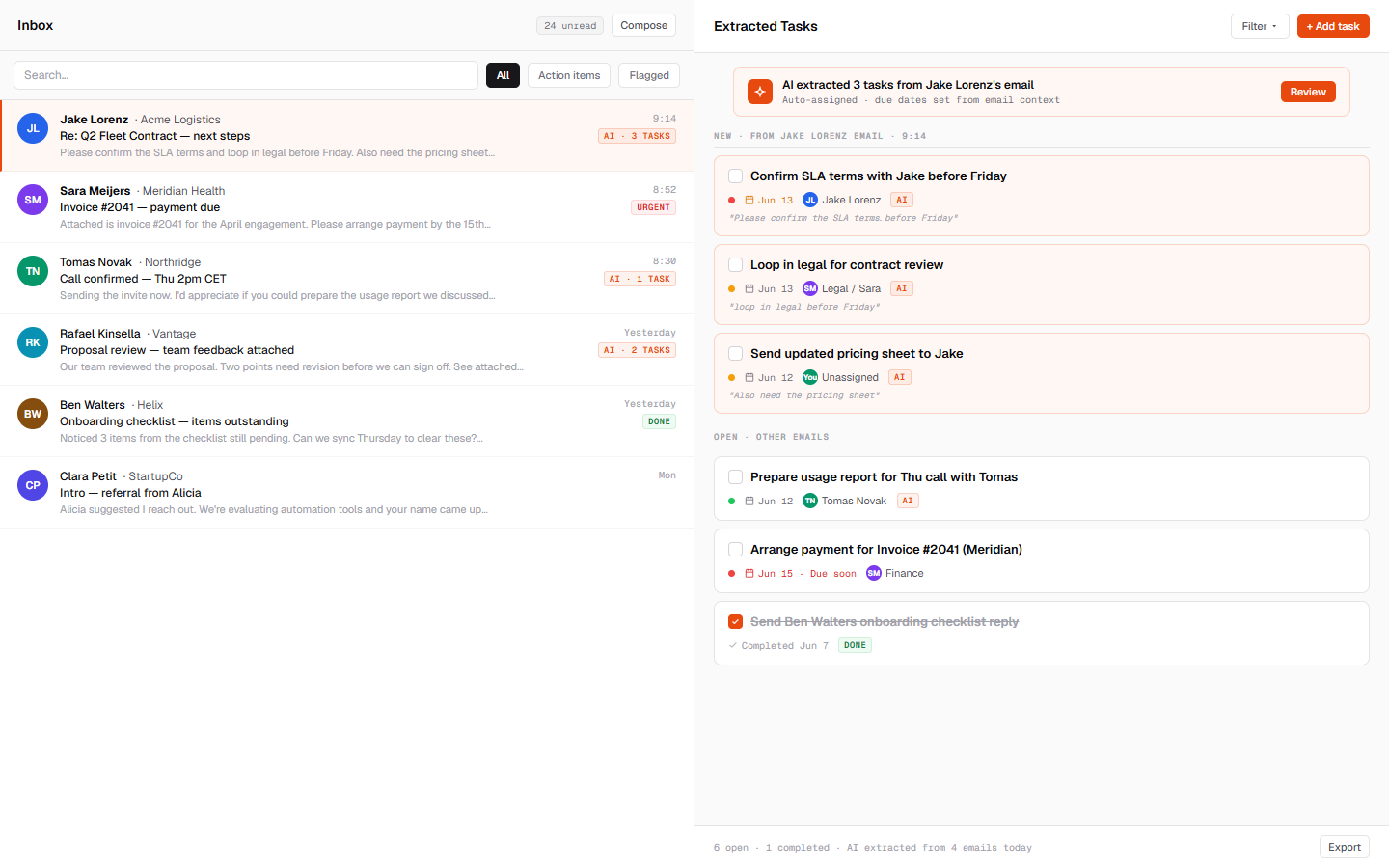
The assistant reads incoming mail and picks out the real action items, then creates and keeps up a structured task list from them. Each task carries a due date and the line of the email it came from.
Newsletters, replies that need nothing and plain questions stay out of the list.
Calendar entries and reminders around each task
When an email sets a meeting or a deadline, the assistant adds the calendar entry and a reminder around the task. The operator sees what's due without opening the thread again.
For a growth team we built an AI employee that sends the alerts and digests on the same idea: the work comes to you on time, where you already look.
- Send the pricing sheetAlex
- Confirm the termsAlex
- Pay invoice 2041Finance
Context that carries across days and threads
The assistant remembers context across days and threads, so nobody has to re-brief it. It knows what was agreed last week without being told again.
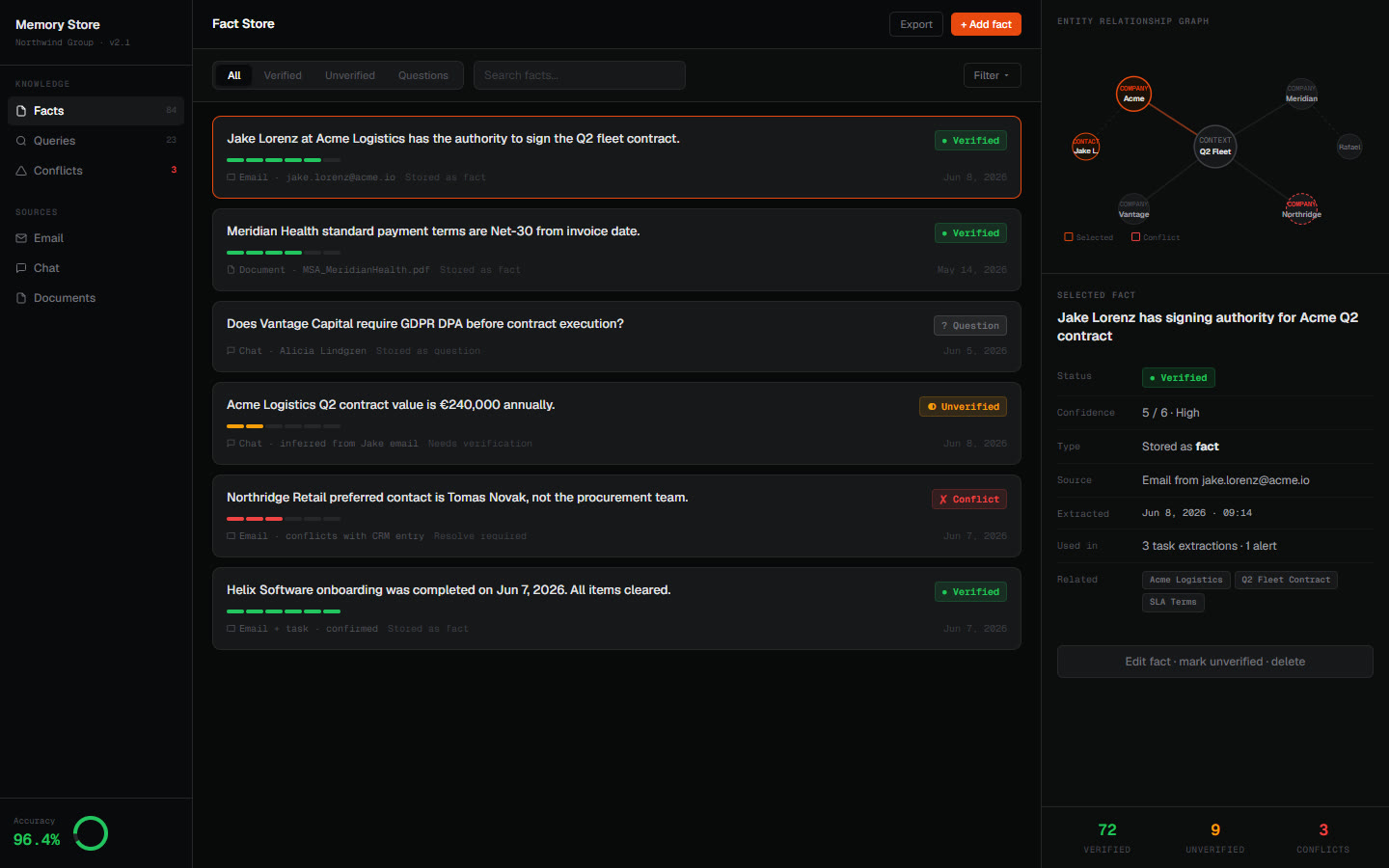
A memory gate stores real facts and commitments and leaves out questions and noise. It is the gate we built for an AI product team, and it keeps this assistant's memory from drifting.
How it runs today
Action items land in the task list without anyone copying them over, and the calendar entries and reminders follow. Email stopped being the place where commitments got lost.
The assistant remembers enough that the operator doesn't keep re-explaining things, and its memory stays clean because questions and noise never get stored.
Questions about AI inbox assistants
Can AI turn emails into tasks automatically?
Yes. An AI inbox assistant can read each incoming email, pick out the real action items and add them to your task list with a due date and the line they came from. In this build it also adds calendar entries and reminders, so commitments made by email turn up where you plan your day.
Does an AI inbox assistant work with Gmail and Google Calendar?
Yes. This AI inbox assistant works inside Google Workspace: it reads the mail, writes to the task list and adds entries to Google Calendar. Nobody has a new app to learn. We connect AI to the email, CRM, spreadsheets and chat tools a team already uses, and we scope which ones at the audit.
How does an AI assistant tell a real action item from noise?
An AI inbox assistant reads each email for a request, a promise or a deadline, and only those become tasks. A memory gate then decides what is worth remembering: it stores real facts and commitments and leaves out questions and noise, so the assistant's picture of your work stays accurate across days and threads.
Where is our email data kept?
In this build, the inbox assistant is hosted in the EU and its data is encrypted at rest. The AI provider processes prompts on its own servers, which can be outside the EU. It runs on the client's own API keys or on keys we manage, and credentials never sit in plain text. We go through the data it can reach, and what it stores, at the audit before anything is built.
How much does an AI inbox assistant cost?
An AI inbox assistant costs a fixed price to build and a monthly rate to run, and the audit that scopes it is free. The monthly rate is set for the agreed scope, and we re-quote if usage grows a lot. If you bring your own API keys, the AI providers bill you directly. See how our build price and monthly rate work.
How long does it take to set up an AI inbox assistant?
A focused integration, such as reading inbound email and updating a task list, usually takes 3 to 5 business days from an agreed spec to live. An inbox assistant that also works across a calendar and other systems takes 1 to 2 weeks. We scope it at the audit and agree a date, as set out in how a build with us runs.
More AI assistants we built
Custom personal AI assistant
Muninn, the assistant we built for Kirill's family and our co-founder, remembers each person and runs their home server.
An AI employee on Telegram
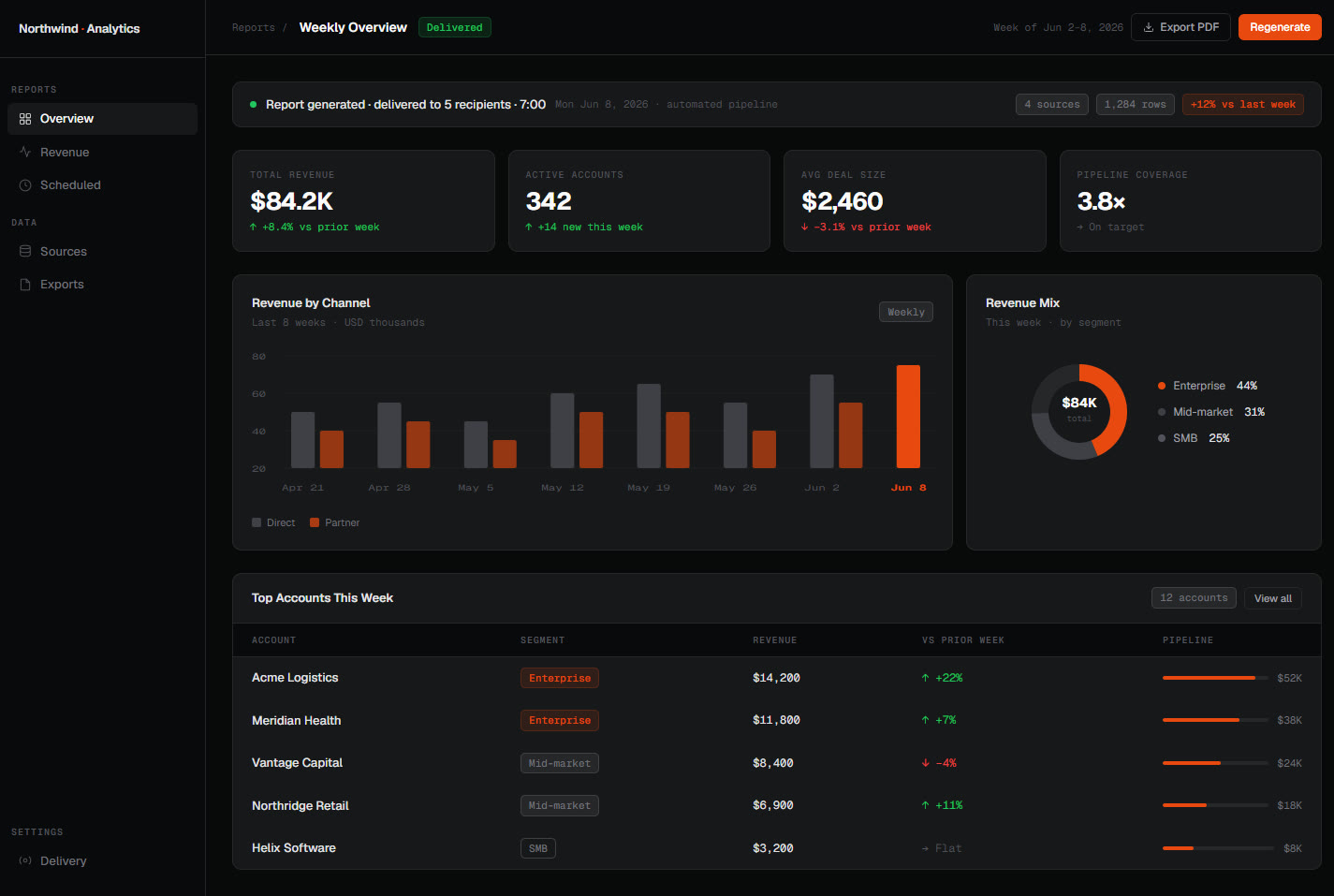
It sends report cards and reminders in client groups and changes the CRM once a manager approves.
A client's CRM inside Telegram
A business that ran on chat got contacts, a pipeline and monitoring inside Telegram.
Services and articles behind this build
AI integration
AI wired into the email, CRM, spreadsheets and chat your team already uses.
AI employees
AI workers trained on your process that each own one recurring job, from reports to client follow-ups.
Custom AI builds
When nothing off the shelf fits, we write agents and automations in TypeScript or Python around your data and edge cases, then hand you the code.
Why your AI's memory stores your questions as facts
The bug that makes AI memory save questions as facts, and the gate that stops it.
Your API keys: encrypted, not in plaintext
How AI agents mishandle provider keys, and the two key models we run in production.
What's buried in your inbox?
Show us how work reaches you by email, and at a free audit we'll tell you what an assistant could pull out of it.