BCCRM turns photos of business cards into a contact book
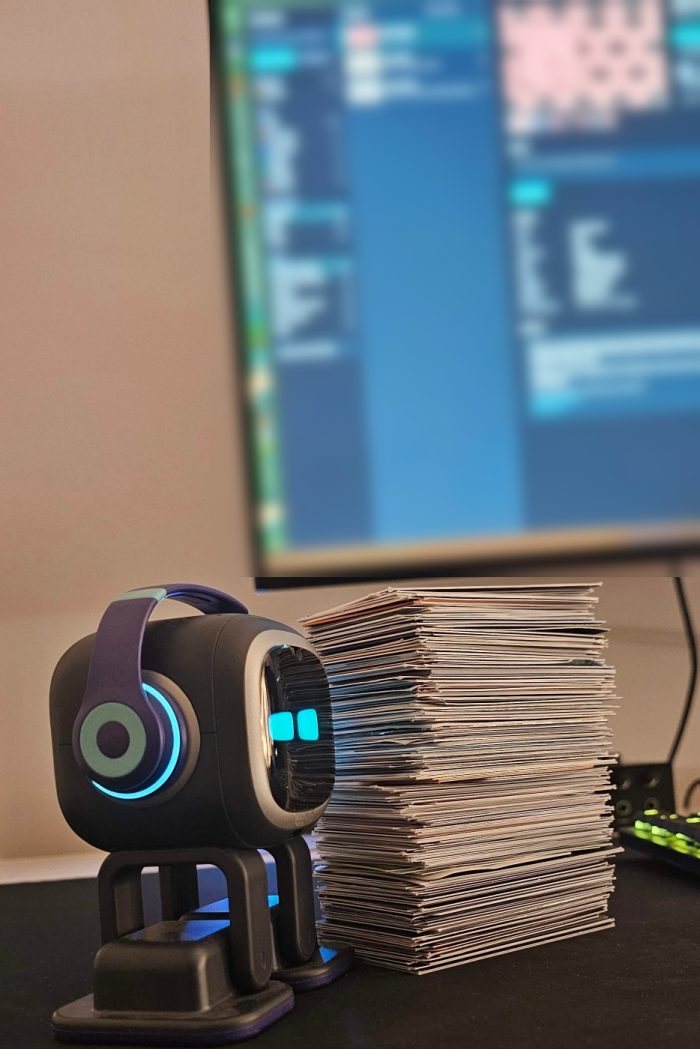
BCCRM is our free, open-source tool that reads a photo of a business-card pile, finds every card in it and builds a contact book you can search, with research on each company, on the AI subscription you already pay for.
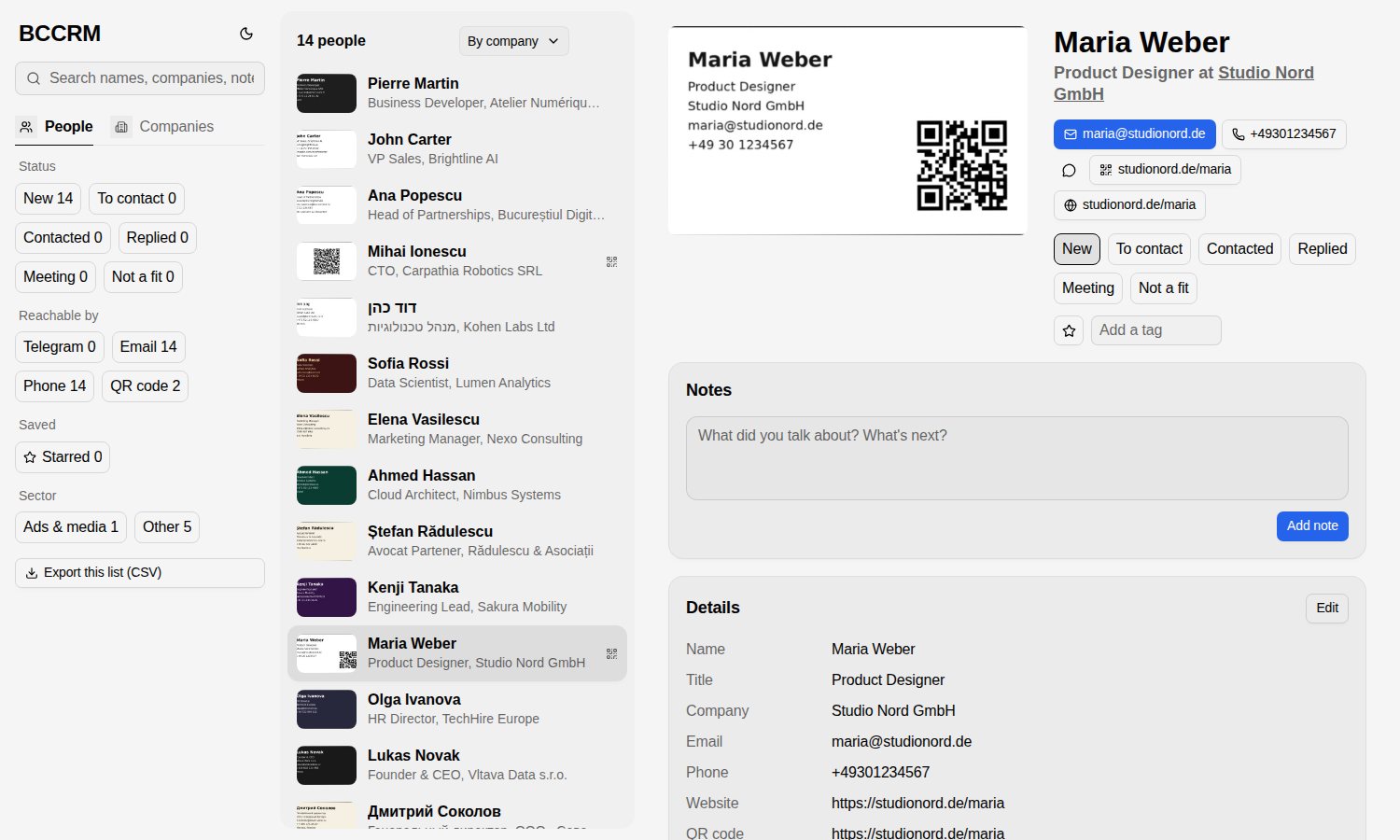
BCCRM at a glance
- Built for
- Anyone who comes back from conferences with a stack of cards
- What goes in
- Photos of card piles, many cards to a photo
- What comes out
- A searchable contact book, plus CSV and HTML exports
- Fields it reads
- Name, title, company, emails, phones, Telegram, website, address and LinkedIn
- AI it runs on
- Claude Code, Codex or any OpenAI-compatible vision API
- Your data
- One SQLite file on your own machine
- Licence
- MIT, free on GitHub
- Status
- Open source, and in use by our co-founder Kirill
A drawer full of cards nobody types in
You come home from a conference with a stack of cards and good intentions. The cards go in a drawer, the intentions go with them, and the people you meant to follow up with hear nothing.
Typing each card into a CRM by hand is the job nobody gets round to. By the time someone asks who you know at a company, the answer is somewhere in that drawer.
What we built
BCCRM runs on your own machine and keeps everything in one SQLite file. Only the card images and the web searches go to the AI you choose, and with a Claude or ChatGPT subscription it needs no API key. When a client wants the same thing inside the tools their team uses, we build it as AI connected to your CRM and inbox.
One photo of the pile, one record per card
BCCRM crops each card out of the photo in several passes, asks the AI which way up it is and decodes any QR code. Then it pulls out the name, title, company, emails, phones in international format, Telegram handle, website, address and LinkedIn, keeping the original script.
It follows the QR links and checks Telegram handles on t.me. Kirill sends his card photos to Muninn, the personal AI assistant we built for his family, and Muninn runs BCCRM for him.
Studio Nord, Berlin
maria@studionord.de
Research on every company, with sources
For each company on the cards, BCCRM searches the web and writes a short profile with its sources and the date it looked. You see who a contact works for before you write to them.
When the same person turns up on two cards, BCCRM merges the records without deleting either one, so nothing you scanned is lost.
- Sourcestheir website, a trade directory
- CheckedWed 28 Oct
A contact book you work through
Every contact moves from New to To contact, Contacted, Replied, Meeting or Not a fit. You add stars, tags and notes, filter the list and export it to CSV whenever you want it somewhere else.
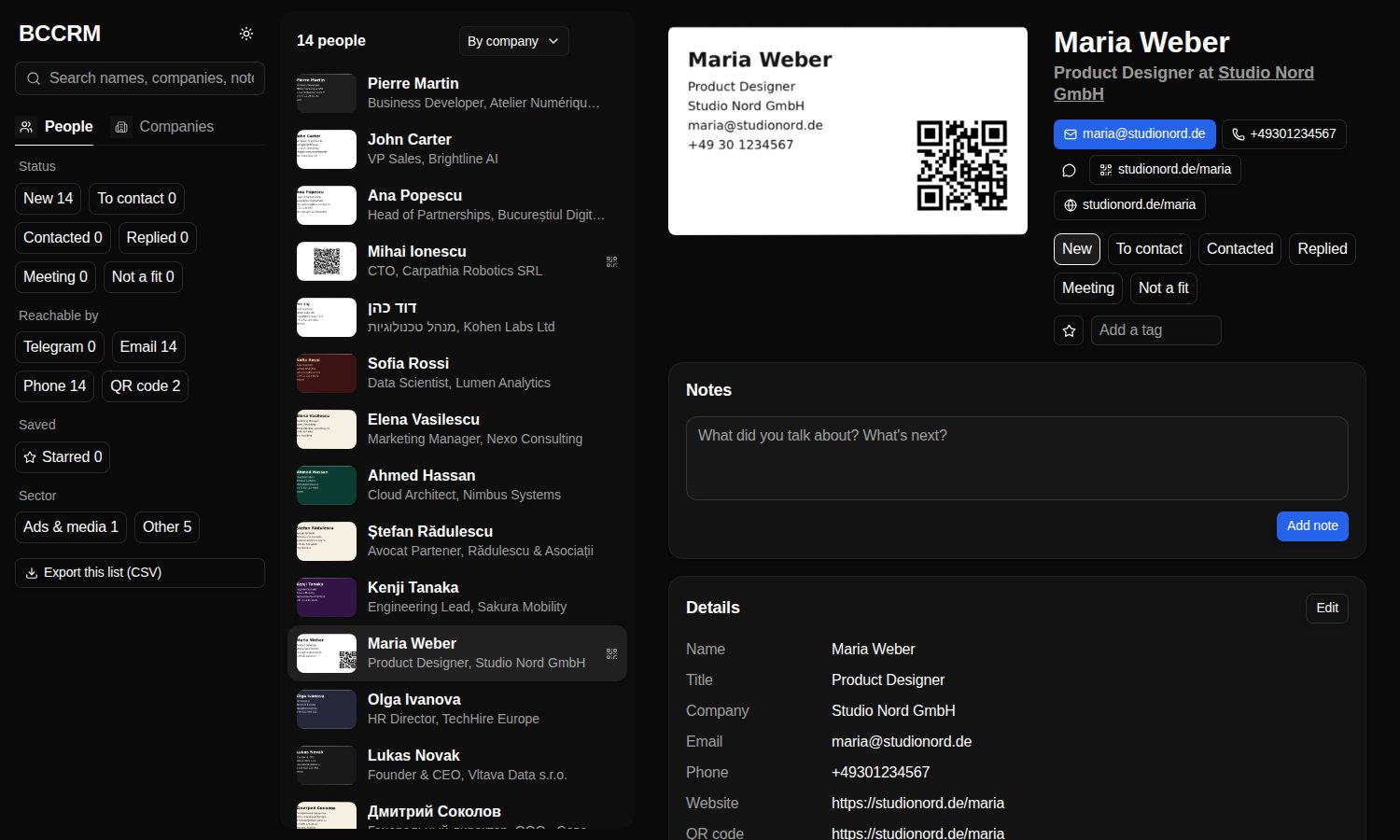
The contact book comes in a light and a dark theme, and it only answers on your own computer, at 127.0.0.1.
How it runs today
BCCRM is free and MIT licensed. You install it with one line, or point your AI at the repo and let it do the setup from the instructions inside. Kirill runs it on the cards from his conferences through Muninn.
On a real stack of 218 cards, it profiled 185 of the 196 companies on them.
- 218Cards in the real stack it read
- 185 of 196Companies on those cards it profiled
- MITThe licence it ships under, free on GitHub
Questions about turning business cards into contacts
How do I turn a pile of business cards into digital contacts?
You can turn a pile of business cards into digital contacts by photographing the pile and running the photos through BCCRM, our free open-source tool. It finds and crops each card, reads the details with AI, merges duplicates and researches each company. The result is a contact book you can search and export to CSV.
Do I need an API key to scan business cards with AI?
No. BCCRM scans business cards through the Claude Code CLI on a Claude subscription or the Codex CLI on a ChatGPT subscription, so you need no API key if you already pay for one of those. It also works with any OpenAI-compatible vision API, and each option falls back to the next if one fails.
Where does a business card scanner keep my contacts?
BCCRM keeps your contacts in one SQLite file on your own machine, and its contact book only answers on your computer, at 127.0.0.1. The card images and the web searches for company research go to the AI you choose. Nothing else leaves your machine.
Can an AI card scanner read cards that aren't in English?
Yes. BCCRM keeps each name, title and company in the script printed on the card and records the card's language as its own field. Phone numbers come out in international format, so a card from any country lands in the same contact book in the same shape.
Can you connect business card scanning to our own CRM?
Yes. We can connect business card scanning to the CRM your team already uses, so every card from an event lands where your team can work it. We scope the connection at a free audit and agree a fixed price and a date before anyone writes code, as set out in how a build with us runs.
How much does it cost to have a card scanning pipeline built?
A card scanning pipeline built for your team costs a fixed price to build and a monthly rate to run, and the audit that scopes it is free. The monthly rate is set for the agreed scope, and we re-quote if the scope or usage changes a lot. If you bring your own API keys, the AI providers bill you directly. Our pricing page explains both stages.
More tools for following up
Conference CRM
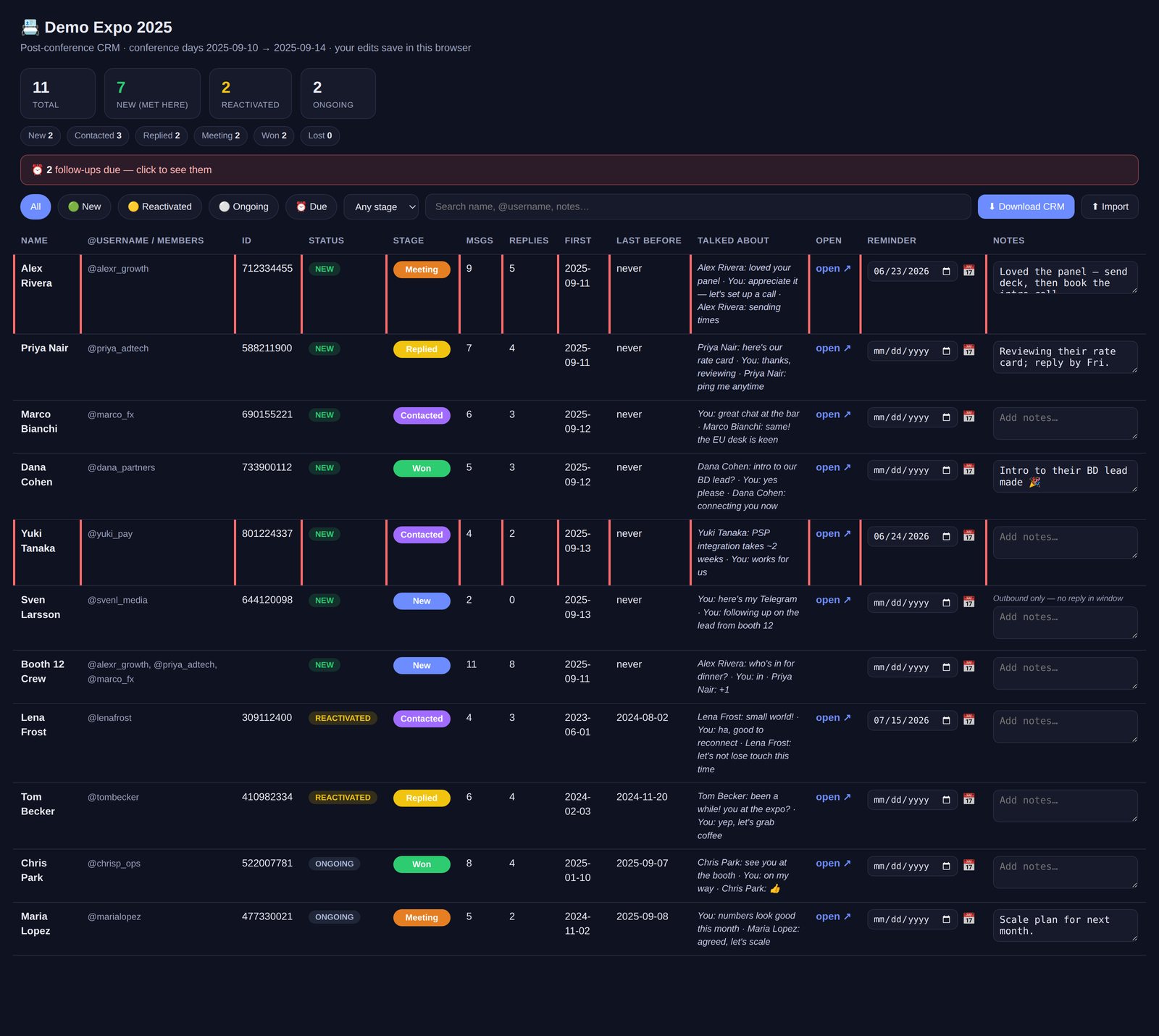
A free script that turns the Telegram chats from an event into a follow-up list.
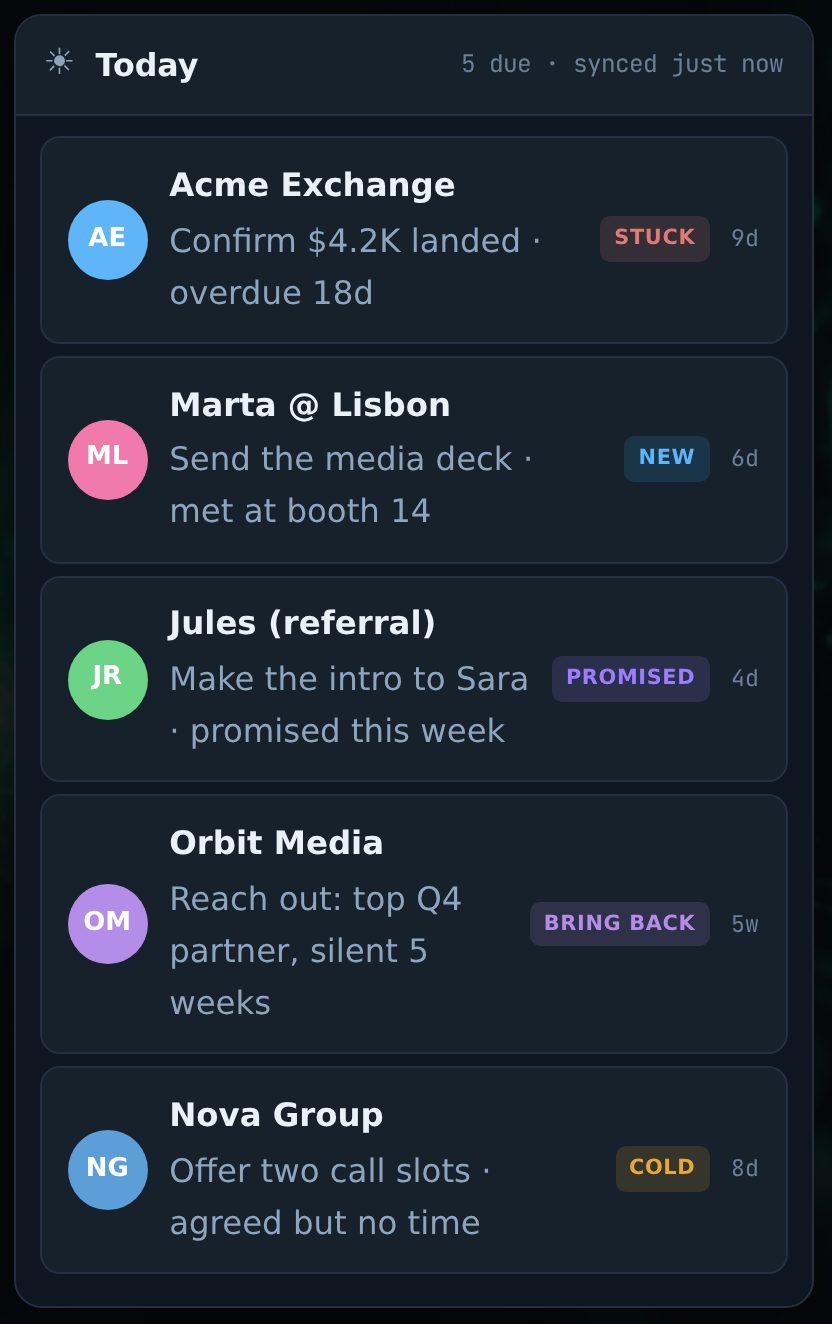
CRgraM, a CRM inside Telegram
Our own product in beta flags the chats going cold and drafts replies you send yourself.
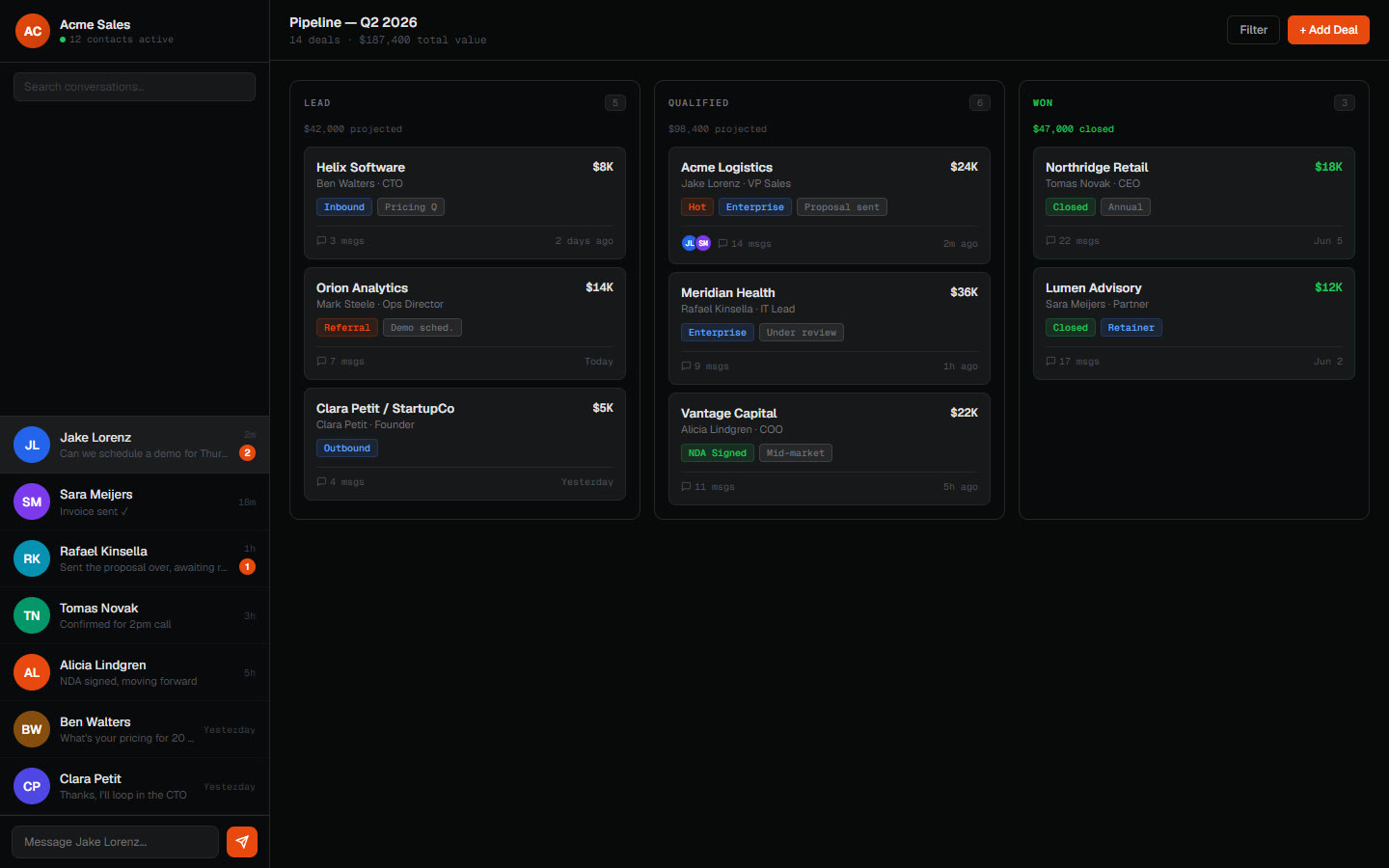
A client's CRM inside Telegram
A business that ran on chat got contacts, a pipeline and monitoring inside Telegram.
Services and articles behind BCCRM
AI integration
AI wired into the email, CRM, spreadsheets and chat your team already uses.
Custom AI builds
When nothing off the shelf fits, we write agents and automations in TypeScript or Python around your data and edge cases, then hand you the code.
Telegram automation
Bots and agents for notifications, approvals, CRM lookups and full conversation flows.
Your API keys: encrypted, not in plaintext
How AI agents mishandle provider keys, and the two key models we run in production.
Got a drawer full of business cards?
Take BCCRM from GitHub tonight, or book a free audit and we'll tell you how to get every card from your next event into your team's CRM.