A follow-up CRM built from your conference chats on Telegram
The Conference CRM is our free script that reads the Telegram chats you had during an event and turns everyone in them into a follow-up list: a clickable HTML app, plus a CSV you can open in Google Sheets or Excel.
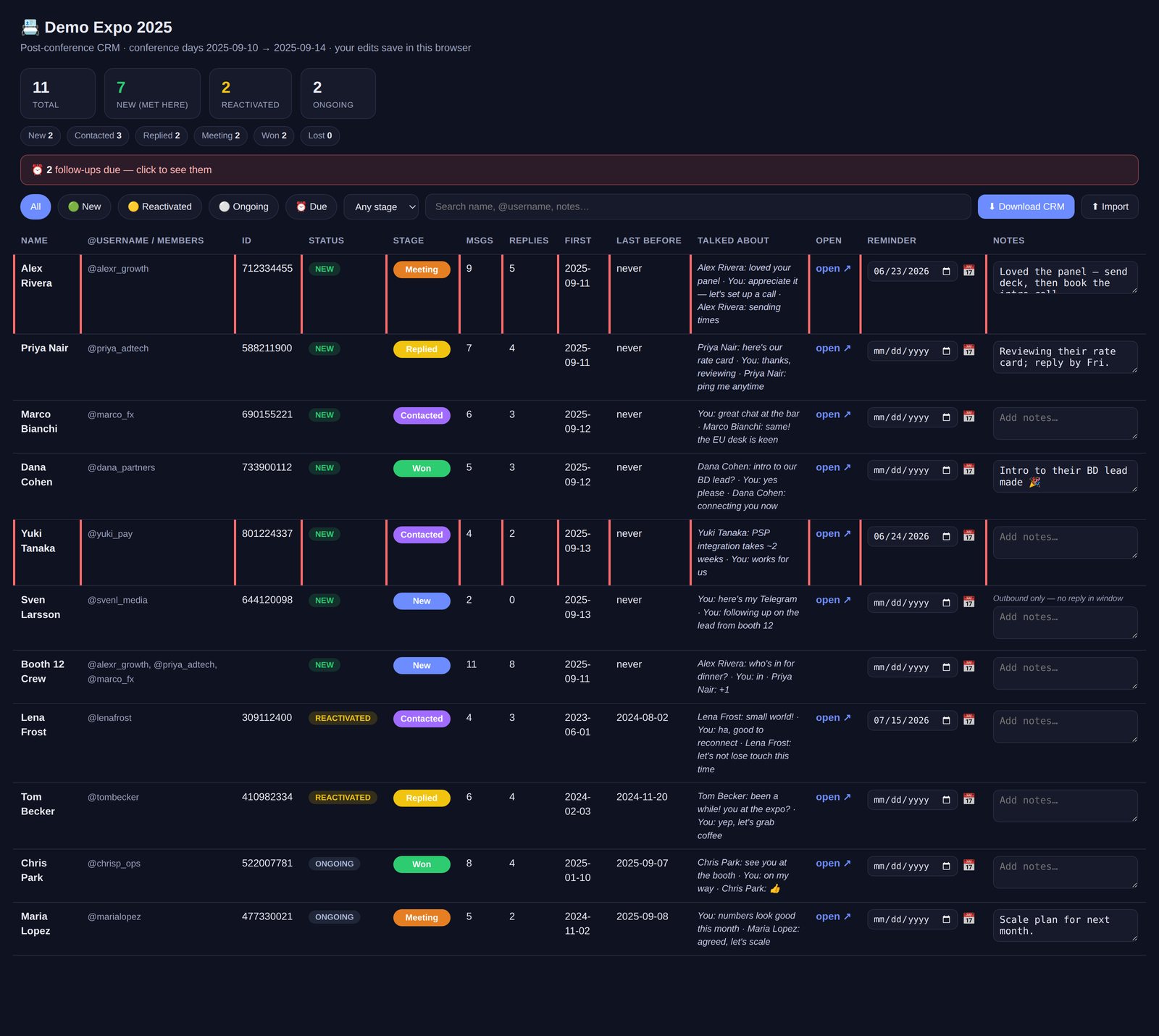
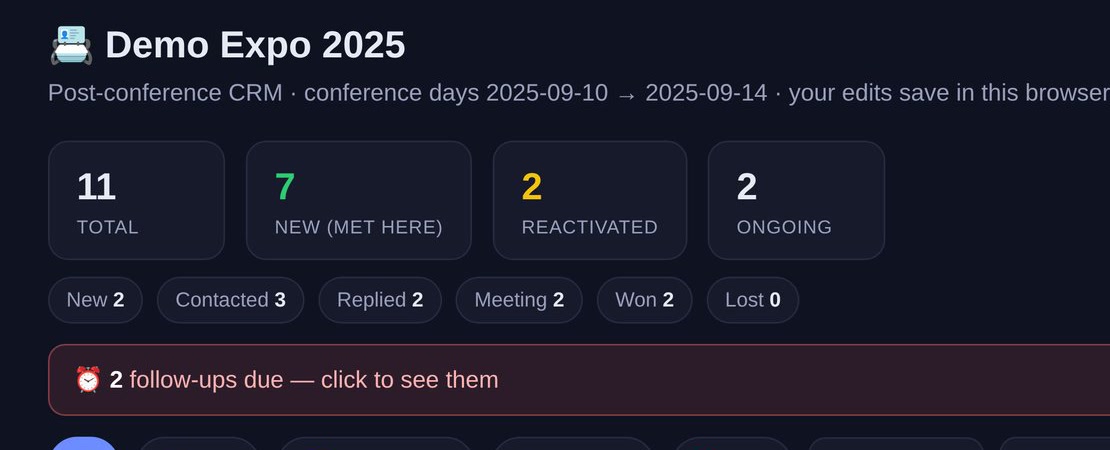
The Conference CRM at a glance
- Built for
- Founders, salespeople, BD leads and recruiters who meet people at events
- What it reads
- One-to-one chats and small groups active during the event dates
- What it makes
- A clickable HTML app and a CSV
- Two ways to run
- Live with your own Telegram API ID, or offline from a Telegram Desktop export
- What it never does
- Send, delete or join anything
- Built with
- Standard Python, with Telethon only for the live mode
- Licence
- Apache 2.0, free on GitHub
- Status
- Open source
Event contacts that sink under every other chat
At an event you meet dozens of people, and half of them become a Telegram chat. A week later those chats sit between your family group and a dozen newsletters, and you can't remember who wanted the deck.
Founders, salespeople, BD leads and recruiters have the most to lose in that gap, because the follow-up is the reason they went to the event.
What we built
We wrote a script you run once after the event. You give it your Telegram and the dates of the conference, and it reads the chats from those days and hands you a follow-up list with a pipeline built in. It only reads: it never sends, deletes or joins anything. Tools like this on top of Telegram are part of the Telegram automation we build for clients.
Everyone you talked to, sorted
The script takes the one-to-one chats and the groups of up to 15 people that were active during the event, and marks each contact as new, reactivated or ongoing. New means you met at the event, and reactivated means an old contact came back to life there.
Each person comes with their username, a one-click link to the chat and a snippet of what you last talked about.
A pipeline for the follow-ups
In the app you move people from New to Contacted, Replied, Meeting, Won or Lost. You add notes and set a follow-up date for each one, and a banner tells you which follow-ups are due.
Your edits stay in your browser, and you can download the whole list as a CSV or import one back.
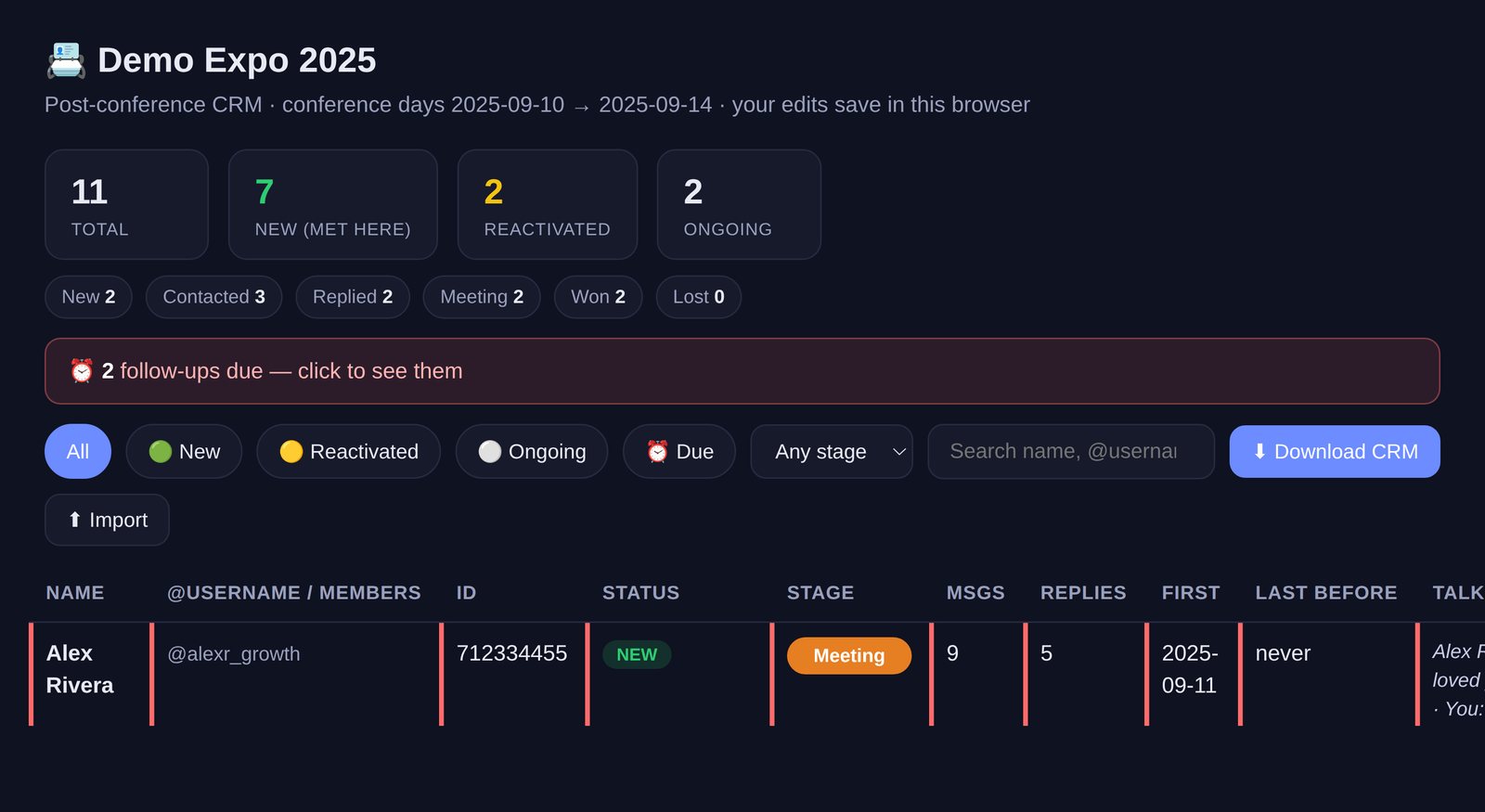
Follow-ups in your calendar
The follow-up dates export to your calendar as a file any calendar app opens, so the reminder finds you where you already plan your week.
The script needs nothing beyond standard Python. Point Claude Code or Cursor at the repo, and the instructions inside walk you through the setup.
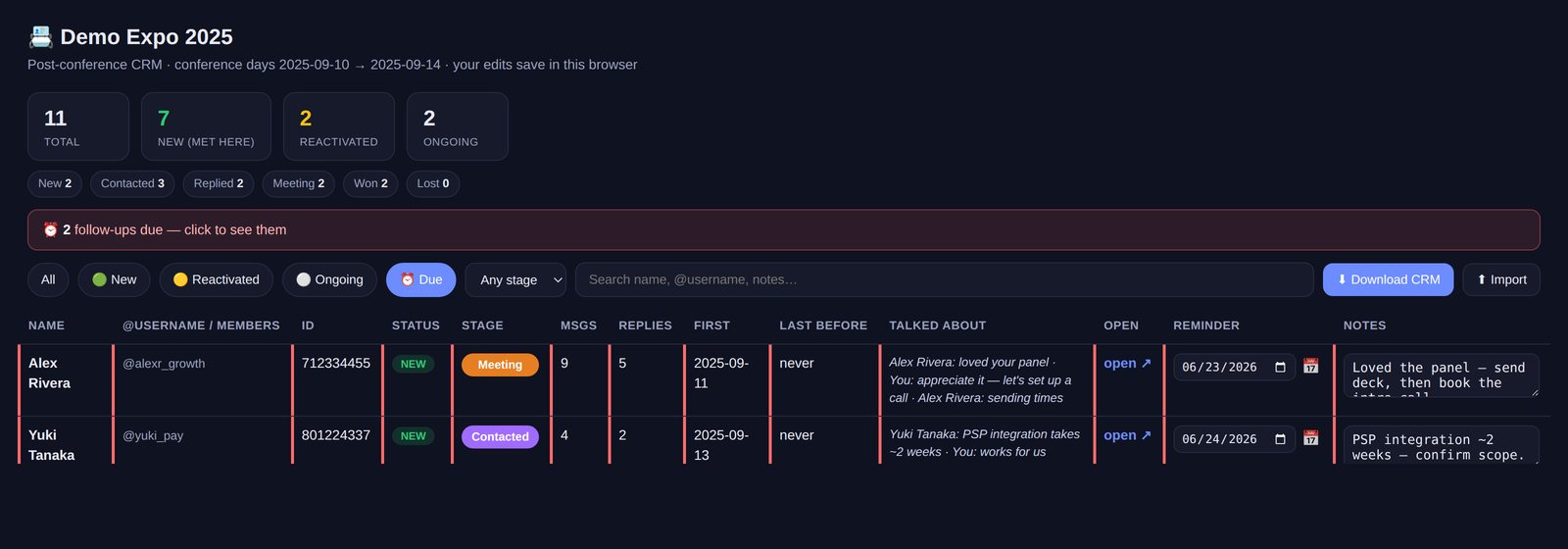
How it runs today
The Conference CRM is free under the Apache 2.0 licence, and one run after the event gives you the list you meant to make on the way home. You can run it live with your own Telegram API ID, or offline from a Telegram Desktop export with no network calls at all.
If you want the same thing every day instead of once per event, that is what we are building with CRgraM, our CRM inside Telegram.
Questions about a conference follow-up CRM
How do I keep track of people I met at a conference on Telegram?
You can keep track of people you met at a conference on Telegram by running our free Conference CRM script after the event. It reads the chats that were active during the event dates, sorts everyone into new, reactivated and ongoing contacts, and gives you a follow-up list with a pipeline, notes and due dates.
Can the Conference CRM send messages from my Telegram account?
No. The Conference CRM only reads your Telegram chats, and it never sends, deletes or joins anything. It takes the one-to-one chats and the small groups of up to 15 people that were active during the event, and leaves the rest of your account alone.
Can I build a conference CRM without logging in to Telegram?
Yes. The Conference CRM can run offline from a Telegram Desktop chat export, with no network calls at all. The live mode uses your own Telegram API ID and also picks up each person's username, but the offline mode is there for anyone who would rather not connect a script to their account.
Can I open my conference contacts in Google Sheets or Excel?
Yes. The Conference CRM writes a CSV next to its HTML app, and the CSV opens in Google Sheets or Excel. The app itself keeps your pipeline stages, notes and follow-up dates in your browser, and you can download the list as a CSV or import one back at any time.
Can you build a follow-up CRM for our sales team?
Yes. We build follow-up tools for sales and BD teams on top of Telegram and the CRM they already use, so event contacts land where the team works them. We scope the job at a free audit and agree a fixed price and a date before anyone writes code, as set out in how a build with us runs.
How much does a custom follow-up CRM cost?
A custom follow-up CRM costs a fixed price to build and a monthly rate to run, and the audit that scopes it is free. The monthly rate is set for the agreed scope, and we re-quote if the scope or usage changes a lot. If you bring your own API keys, the AI providers bill you directly. Our pricing page explains both stages.
More tools for following up
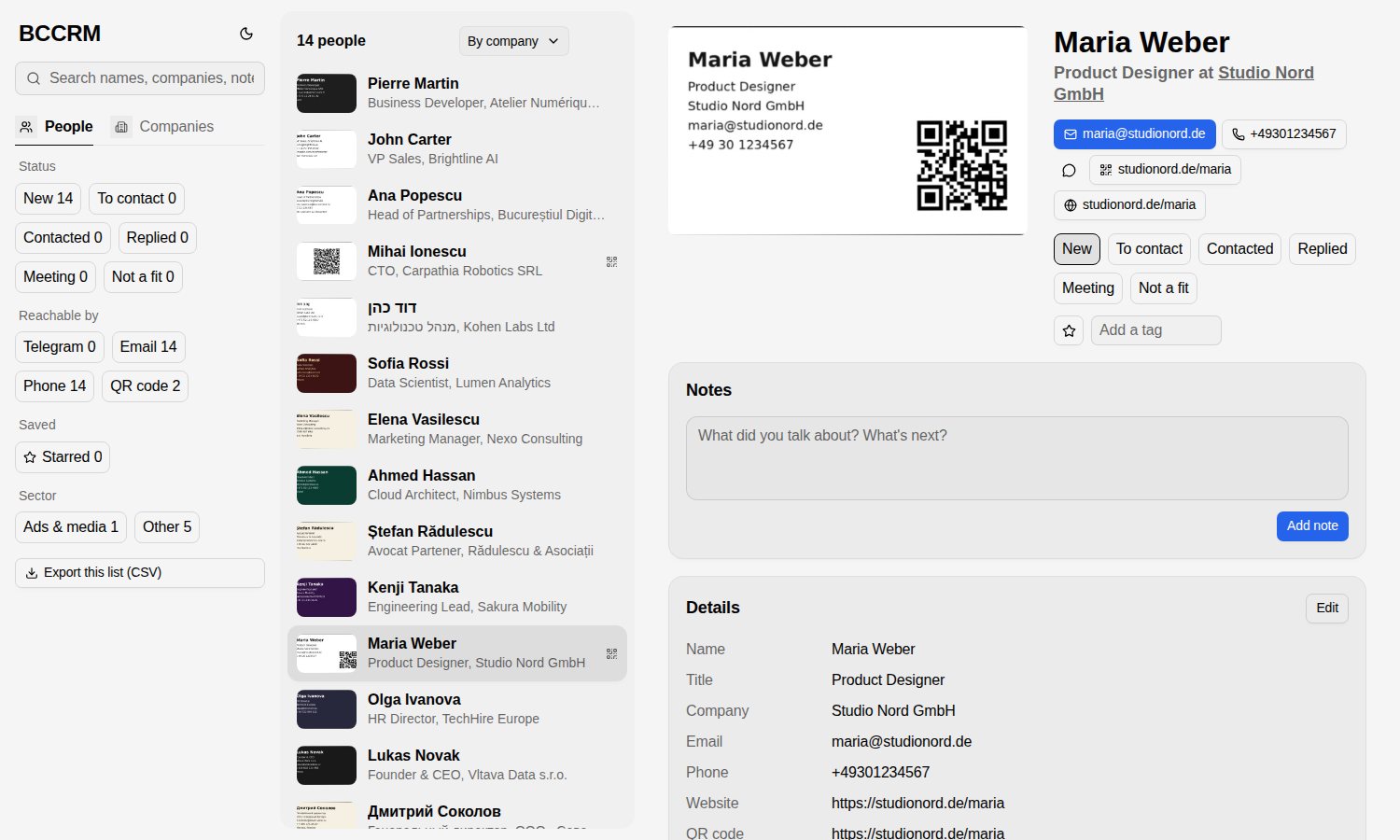
BCCRM, business cards to contacts
Photograph a pile of business cards and get back a contact book you can search. Free and open source.
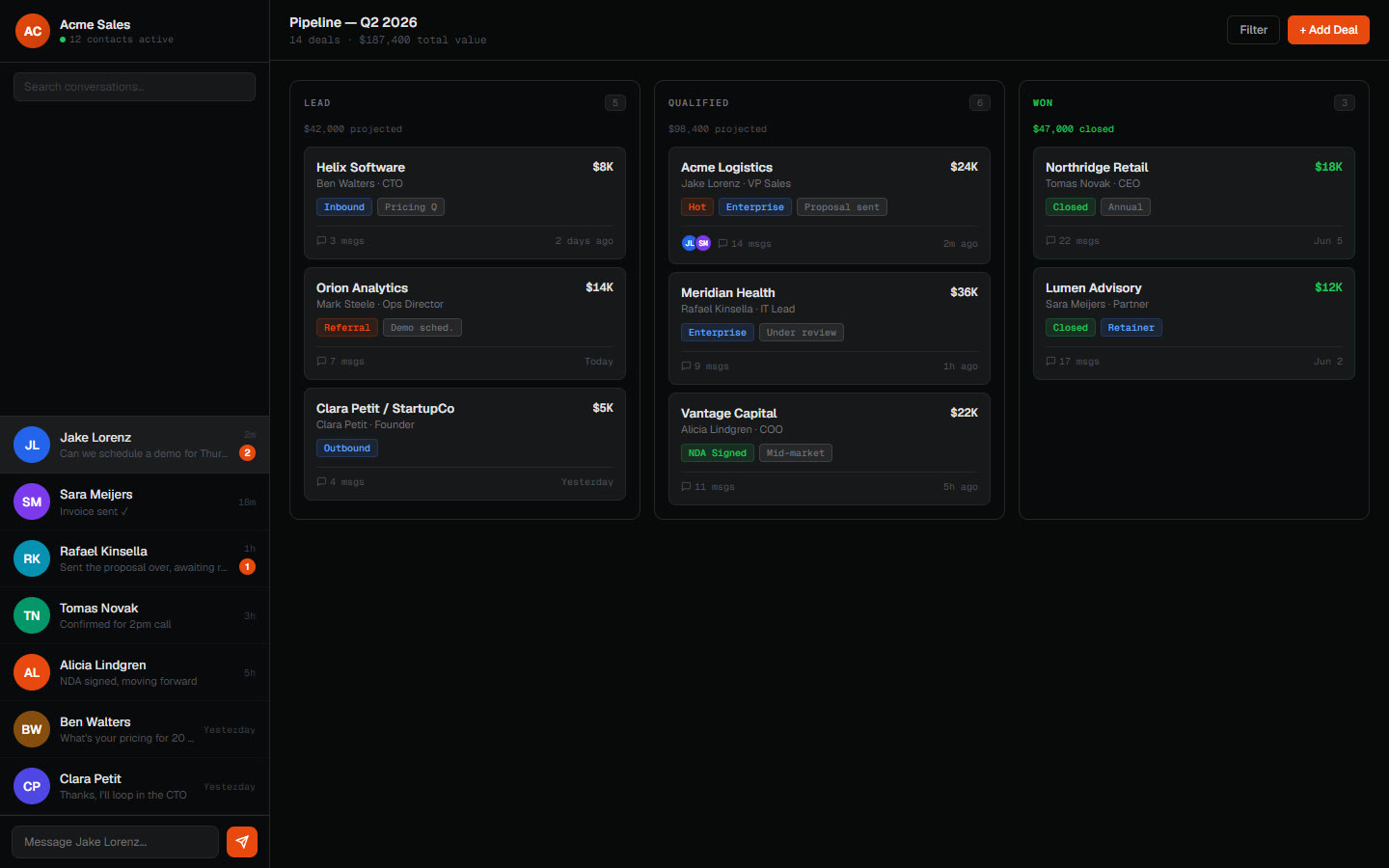
A client's CRM inside Telegram
A business that ran on chat got contacts, a pipeline and monitoring inside Telegram.
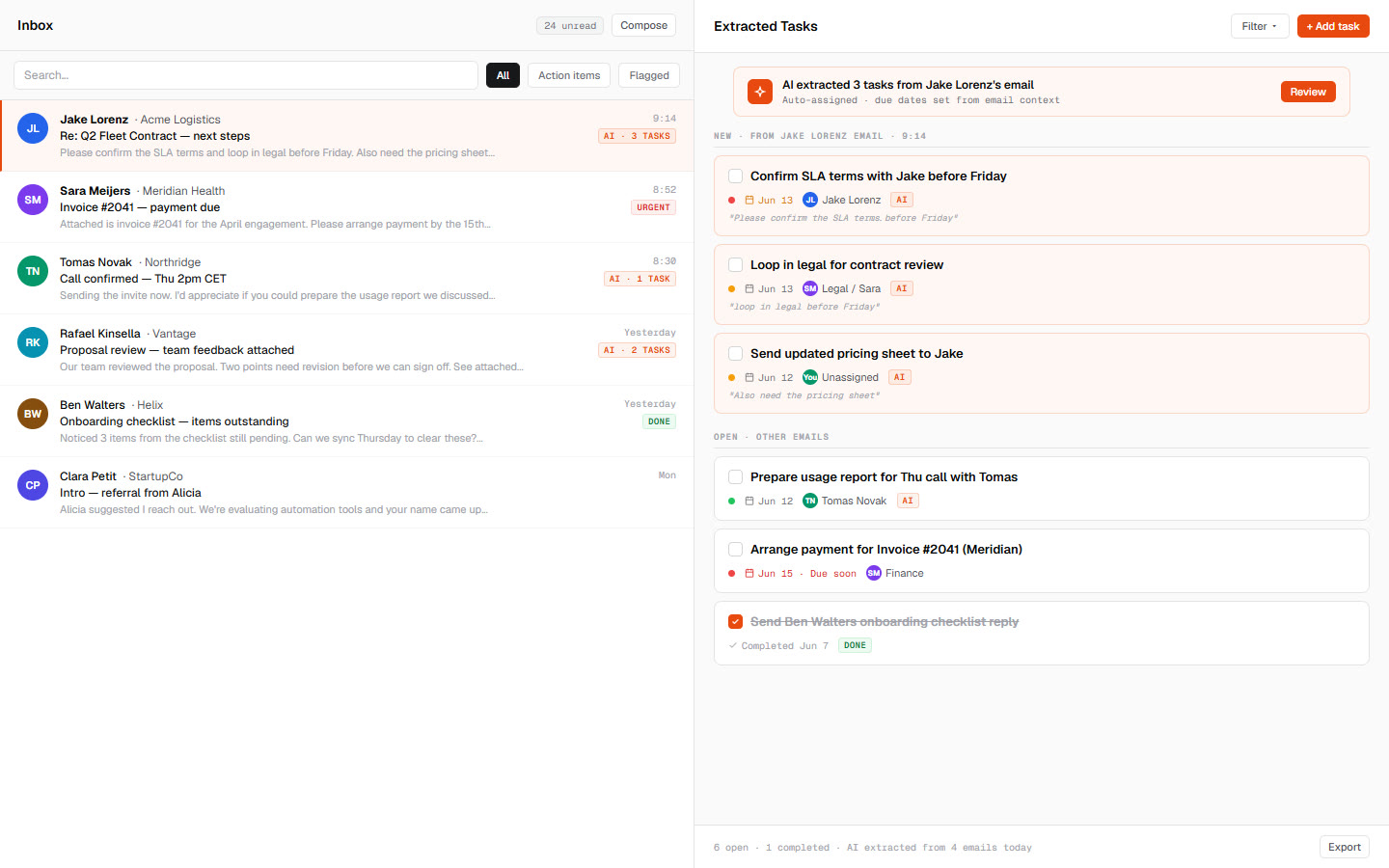
An inbox that turns into a task list
An assistant reads the inbox and turns each real action item into a task with a date.
Services and articles behind the Conference CRM
Telegram automation
Bots and agents for notifications, approvals, CRM lookups and full conversation flows.
AI integration
AI wired into the email, CRM, spreadsheets and chat your team already uses.
Custom AI builds
When nothing off the shelf fits, we write agents and automations in TypeScript or Python around your data and edge cases, then hand you the code.
Telegram as your ops layer
Bots, approval flows, group automation and always-on agents built on Telegram.
Back from an event with too many chats?
Run the script tonight, or book a free audit and we'll tell you how to get your event contacts into the CRM your team already uses.